Employee Monitoring Software in India: A Practical Guide for 2026
· Updated · 6 min read
- Employee Monitoring
- Workforce Management
- Time Tracking
- Remote Work
- Productivity
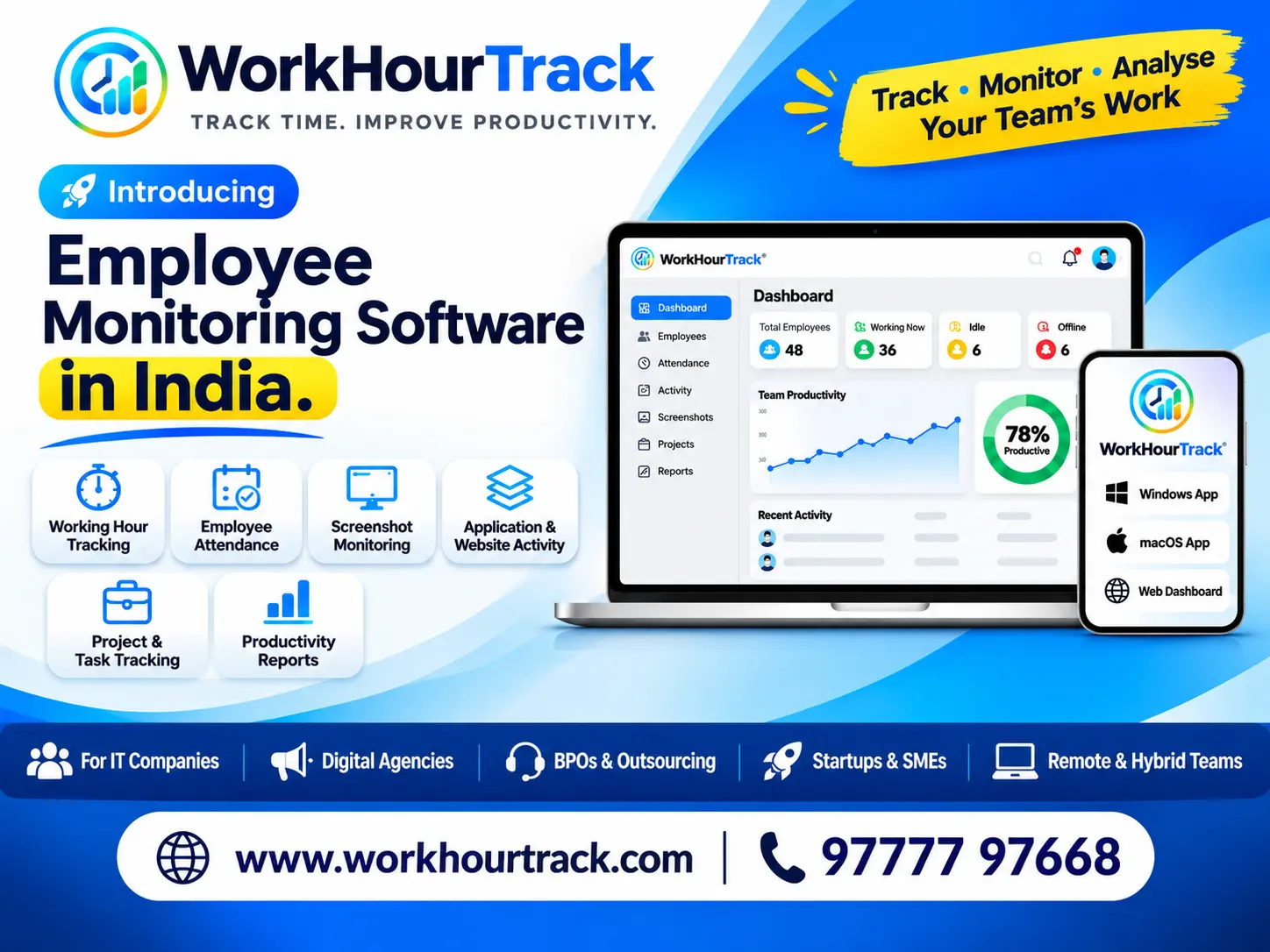
Employee Monitoring Software in India
If your team has gone hybrid or remote, you’ve probably asked yourself some version of this: how do I know the work is getting done without standing over everyone’s shoulder?
That’s the question employee monitoring software in India is built to answer. Used well, it gives managers clear data on working hours, workload and productivity. Used badly, it makes people feel watched and pushes your best employees to quit.
This guide covers what the software does, which features matter, what Indian employers should know about the law, and how to roll it out so your team actually accepts it.
What Is Employee Monitoring Software?
Employee monitoring software records how work happens across your team. Depending on the tool, that can include:
Login and logout times Active and idle time Apps and websites used during work hours Time spent on projects and tasks Productivity and attendance reports
Some tools do only time tracking. Others also offer activity tracking and optional screenshots. The right level depends on your team, your industry and how much trust already exists in the workplace.
Why Indian Companies Are Adopting It
A few years ago, most teams worked from one office and attendance meant a biometric machine. That has changed. Companies now manage:
Remote and hybrid teams spread across Bhubaneswar, Bengaluru, Pune or a different time zone altogether IT services and outsourcing teams that bill clients by the hour Agencies and freelancers who need accurate timesheets for invoicing BPO and support teams with strict shift and productivity targets
For these businesses, guesswork is expensive. Accurate hours mean accurate billing, fair payroll and fewer arguments about who worked on what.
Key Features to Look For
Not every business needs every feature. Here is what matters most when comparing tools.
- Automatic time tracking
Employees shouldn’t have to remember to start and stop a timer. Good software tracks hours with minimal effort and still lets people correct mistakes.
- Attendance and shift management
Look for clock-in and clock-out records, late-arrival alerts, leave tracking and support for different shifts.
- Activity and productivity reports
Reports should show patterns, not just raw numbers. You want to spot overloaded team members and projects running over budget, not just count keystrokes.
- App and website usage
This helps you see where time goes. It is also useful for catching tool sprawl, where people lose hours switching between apps.
- Optional screenshots
Screenshots can make sense for client billing or compliance-heavy work. Check that you can switch them off, blur them or limit them to certain roles.
- Privacy controls
Employees should see their own data. Look for the ability to pause tracking outside work hours and to restrict what managers can view.
- Easy reports and exports
You’ll need data for payroll, client invoices and performance reviews. Check for Excel/CSV export and a clear dashboard.
- Pricing that scales
Most tools charge per user per month. Make sure the plan still works when your headcount grows.
Is Employee Monitoring Legal in India?
In general, employers can monitor work devices and work activity, but they must do it fairly and openly. A few good practices:
Be transparent. Tell employees exactly what is tracked and why. Get consent in writing. Put it in the employment contract, an IT policy or a signed acknowledgement. Collect only what you need. If you only need working hours, don’t capture everything on screen. Keep data secure. Limit who can see it and decide how long you’ll store it. Never monitor personal devices or private time without clear consent.
India’s Digital Personal Data Protection Act, 2023 governs how personal data is handled, so your monitoring policy should respect it. Rules and interpretations can change, so check with a legal professional before you roll anything out company-wide. This article is general information, not legal advice.
How to Introduce Monitoring Without Losing Trust
The software is the easy part. The conversation is harder. Here is what tends to work:
Explain the “why” first. “We need accurate hours for client billing” lands very differently from “we’re tracking you.” Share the policy before you switch anything on. No surprises. Focus on outcomes. Use the data to balance workloads and support people, not to punish someone for a 10-minute break. Give employees access to their own reports. When people can see their own data, it feels like a tool and less like surveillance. Start with a pilot. Try it with one team for a month, collect feedback, then expand. How to Choose the Right Tool
Before you book a demo, answer these questions:
How many employees will use it? Do you need only time tracking, or full activity monitoring? Will people work on Windows, Mac, Android or all of them? Do you need integrations with payroll, HR or project tools? Is support available in your time zone and in a language your team is comfortable with? Does the vendor explain clearly how your data is stored and protected?
Then run a free trial. A tool that looks great on a features page can still feel clunky in daily use.
Common Mistakes to Avoid Tracking too much. More data isn’t better data. Pick a few metrics that matter. Judging by activity alone. A developer thinking through a problem may look “idle” for twenty minutes and produce the best work of the day. Skipping the policy. Legal and trust problems nearly always start here. Never reviewing the data. If nobody reads the reports, you’re paying for nothing. Final Thoughts
The best employee monitoring software in India isn’t the one with the most features. It’s the one that gives you accurate hours and useful insight while your team still feels respected. Start with a clear purpose, be open about what you track, and choose a tool that grows with you.
If you want to see how this works in practice, WorkHourTrack helps teams track work hours, attendance and productivity in one place. Book a free demo and try it with your own team.
FAQs
Is employee monitoring legal in India? Generally yes, when it’s transparent, limited to work activity and backed by employee consent. Because the DPDP Act, 2023 applies to personal data, take legal advice before rolling it out.
What is the difference between employee monitoring and time tracking? Time tracking records hours and tasks. Monitoring may also include app usage, activity levels and productivity reports.
Can it work for remote teams? Yes. It’s especially useful for remote and hybrid teams, where you can’t see who is working on what.
How much does it cost? Most tools charge per user per month. Pricing depends on team size and the features you need, such as screenshots, reports and integrations.
Will employees accept it? Usually, if you explain the purpose, share a clear policy and let them see their own data.