
Employee Productivity Reports: The Numbers That Actually Matter
· Updated · 2 min read
- Reports
- Productivity
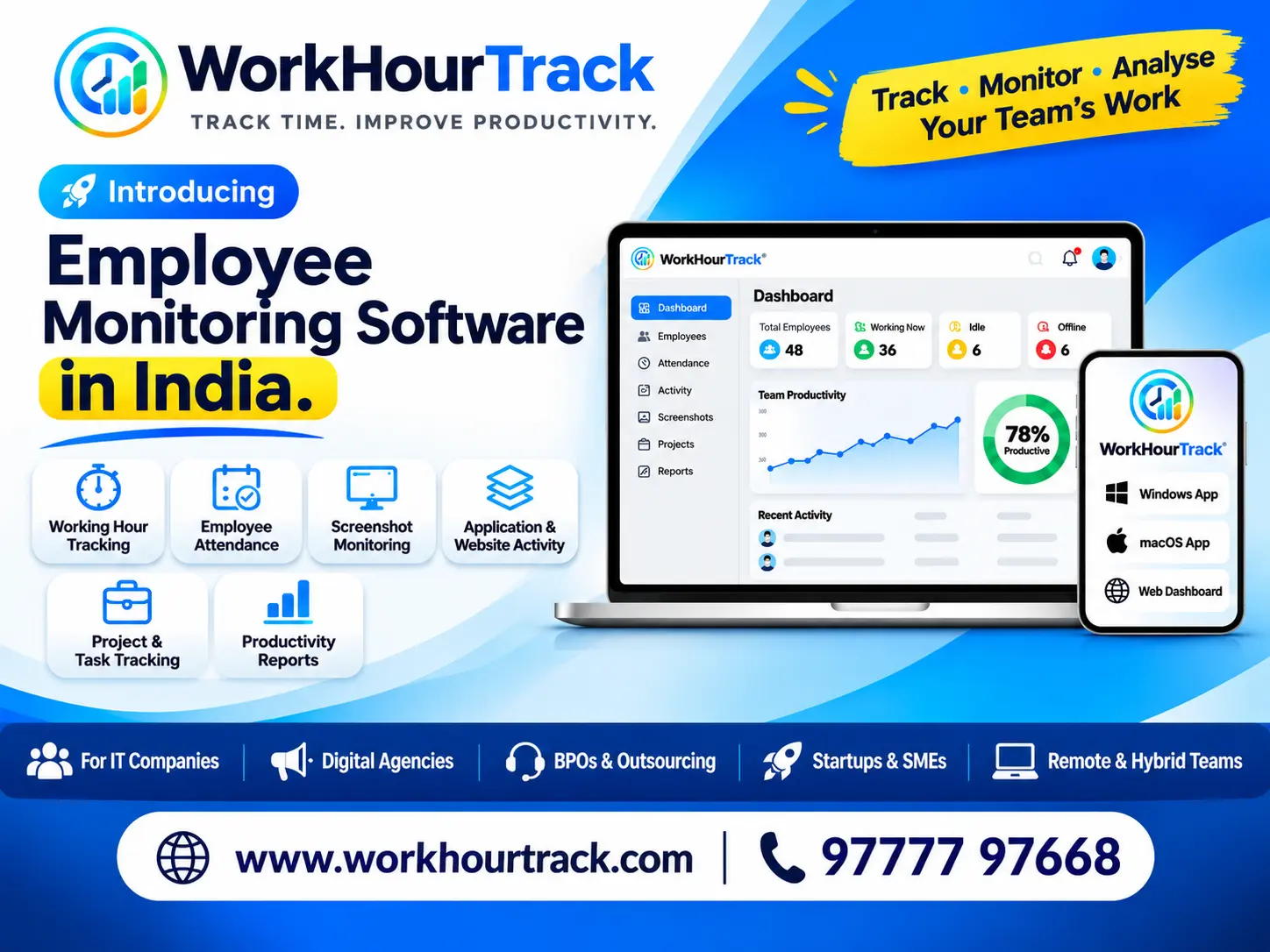
Employee productivity software can produce a lot of numbers. Too many and you stop reading them. These are the ones that help a manager make a decision, and how to interpret each fairly.
Worked hours against the standard
The first number is active work time compared with the mandatory hours for the day. It tells you who is on target and who is consistently short. Look at a week or a month rather than a single day, because one low day often has a good reason.
Idle time
Idle time is time at the computer with no keyboard or mouse activity. Some idle time is normal: reading, thinking, meetings. Treat a sudden change from a person’s own normal as the signal, not a fixed number for everyone.
Time in non-productive applications
You decide which applications or window titles count as non-productive, such as social media or video sites, and that time is taken off the worked total. Keep the list short and fair. Review it now and then, because a site that is a distraction for one role can be part of the job for another.
Top applications and websites
A ranked list of where the team spends its time answers practical questions: which tools are really used, and whether software you pay for is worth it. On Mac computers WorkHourTrack also shows the websites used most, recorded as the site and page and never what was typed.
Trends over time
A weekly chart with one line per employee shows who is ramping up, who is burning out, and how the whole team moves around holidays and deadlines. Overtime that keeps growing is a warning worth acting on before it becomes turnover.
- Worked hours against the standard shift.
- Idle time compared with each person’s own normal.
- Non-productive time under rules you control.
- Top applications and websites.
- Weekly and monthly trends, including overtime.
Numbers help you ask better questions; they do not replace a conversation. For the context around screenshots, read about transparent screenshot monitoring.