
Employee Attendance and Time Tracking: A Practical Guide for Businesses
· 6 min read
- Attendance
- Time Tracking
- Employee Monitoring
- HR
- Labour Law
- Payroll
- Remote Work
- India
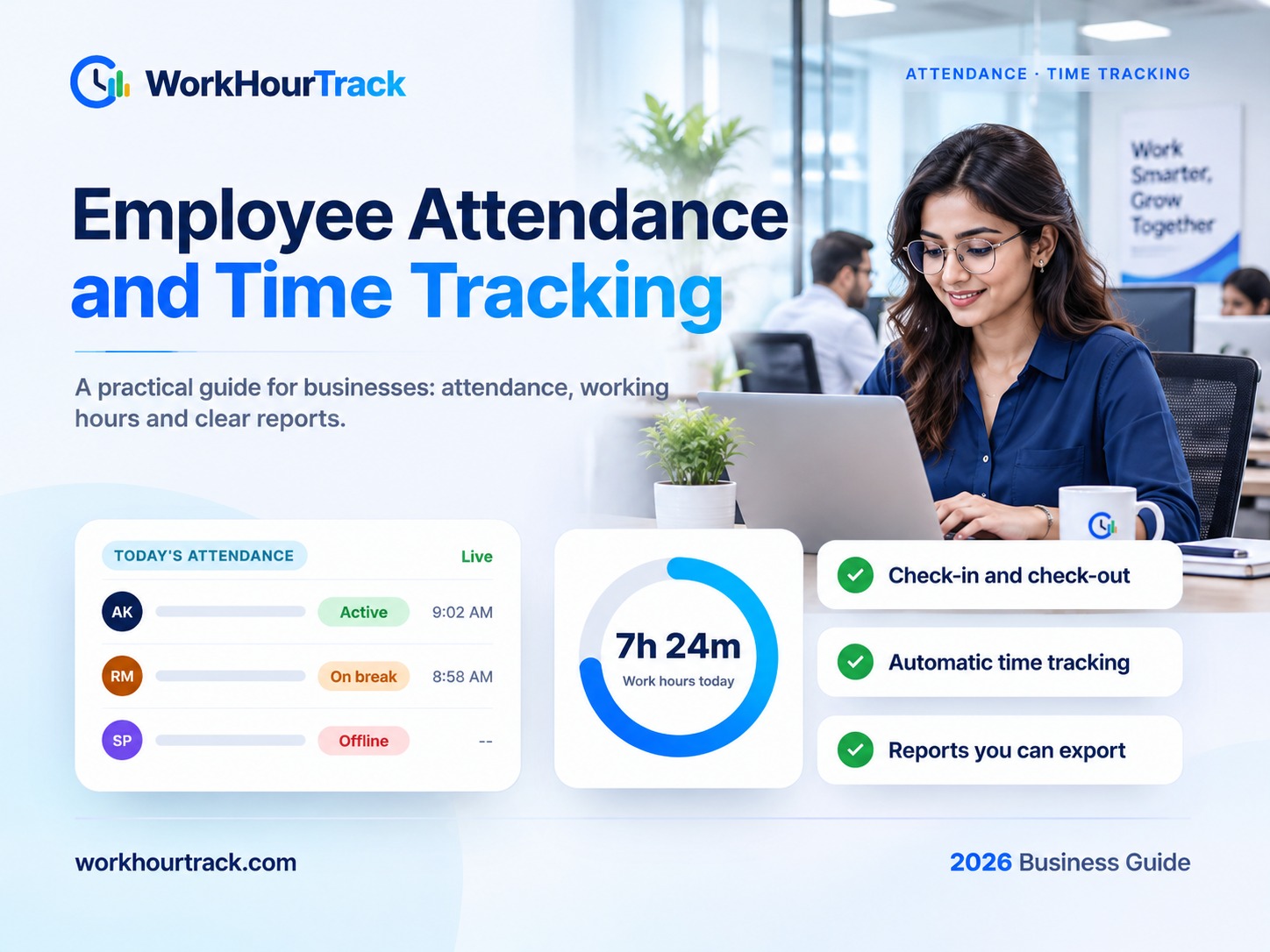
Employee attendance and time tracking is how a business records who is working, when they start and finish, and what they work on. Done well, it gives you accurate payroll, clear overtime records and a fair view of workload, whether your team sits in one office or works remotely. This guide explains the difference between attendance and time tracking, the main methods, what Indian employers should know about working-hours records, and how to choose employee time tracking software with screenshots that fits your team.
What is employee attendance and time tracking?
Attendance tracking records whether an employee is present: check-in time, check-out time, leave and absence. Time tracking goes one step further and records how the working hours are spent, such as active time, idle time, breaks and the project or task worked on. Most businesses need both, which is why many tools combine them in one attendance management system.
Attendance tracking vs time tracking
- Attendance answers: who is working today, and when did they start and finish?
- Time tracking answers: how many productive hours were worked, and on which project?
- Attendance feeds: payroll, leave balances and shift planning.
- Time tracking feeds: client billing, project costing and workload reports.
Why it matters for Indian businesses
- Accurate payroll. Clear start and end times reduce disputes about hours and pay.
- Overtime records. Overtime is paid at a higher rate, so you need reliable hours to calculate it.
- Remote and hybrid teams. When there is no shared office, a record of working hours replaces "I can see they are at their desk".
- Fair workload decisions. Hours and activity reports show who is overloaded and who has capacity.
- Fewer arguments. An objective record protects both the employer and the employee.
What the law expects on working hours and records
India's four Labour Codes came into effect on 21 November 2025, replacing 29 older central laws. Under them, overtime beyond the prescribed hours must be agreed and paid at twice the normal rate. The standard limit is 48 hours a week, and the working-hours provisions apply to "workers", so what you owe depends on who is covered.
On records, draft central rules published in December 2025 list an attendance register-cum-muster roll among the registers an establishment should keep, and draft state rules in Karnataka allow such records in electronic form. Central and state rules were still being finalised after the codes took effect, so check what applies in your state today and confirm details with a labour-law adviser.
A digital attendance record that shows start time, end time, breaks and overtime makes these duties easier to meet. Learn the privacy side of tracking in our guide.
Four ways to track employee attendance
- Paper registers and spreadsheets. Cheap and easy to start, but error-prone, hard to audit and no help for remote teams.
- Biometric or card machines. Useful on factory floors and fixed sites. They need hardware, do not work for remote staff, and biometric data needs careful handling under data-protection rules.
- Mobile check-in apps. Flexible for field teams, but less suited to desk work where you also want to see working time.
- Desktop attendance and time tracking software. Starts when the employee signs in on a work computer and records active time, idle time and breaks. It suits office, hybrid and remote teams that work on computers.
What to look for in an attendance management system
- Automatic check-in and check-out so nobody has to remember to clock in.
- Live status (active, idle, offline) and leave tracking.
- Time by project if you bill clients or cost projects.
- Reports that show daily and weekly hours, overtime and top apps, with CSV export for payroll.
- Support for your devices, such as Windows and Mac computers.
- Transparency features, like an employee notice and a visible app. See our guide to employee monitoring software in India.
- Simple setup and a free trial, and clear per-user pricing you can check on the pricing section.
How to roll it out in five steps
- Decide what you will track and why: working hours, breaks, overtime, projects.
- Write a short policy and share it with your team before you start.
- Pilot with one team using a free trial, and collect feedback.
- Set your rules: standard hours, idle thresholds and leave types.
- Review reports weekly and adjust. Use the data for planning and fairness, not surprises.
How WorkHourTrack helps with attendance and time tracking
WorkHourTrack combines attendance and time tracking in one dashboard for Windows and Mac computers.
- Attendance: check-in, check-out and live team status, with employees shown as active, idle or offline, plus leave.
- Automatic time tracking: work hours with active and idle time, tracked in the background.
- Projects: time spent per project and billable hours.
- Reports: daily and weekly reports for every employee, hours by day, top applications and websites, leaderboard, overtime and CSV export.
- Transparency: each employee accepts a notice before tracking starts, and the desktop app shows when it is running.
See the full feature list, the homepage FAQ, and our Privacy Policy and Security Policy. You can start with a 3-day free trial, no credit card required.
Frequently asked questions
What is employee attendance and time tracking?
It is the process of recording when employees start and finish work (attendance) and how their working hours are spent (time tracking). Together they support payroll, overtime records, leave management and workload planning.
What is the difference between attendance tracking and time tracking?
Attendance tracking records presence, such as check-in, check-out and leave. Time tracking records how the hours are used, such as active time, breaks and project work. Many attendance management systems include both.
Can attendance software work for remote teams?
Yes. Desktop software like WorkHourTrack runs on each employee's Windows or Mac computer and records working hours wherever they work, so managers see the same live status and reports for remote and office staff.
Does a small business need attendance software?
It is not required, but spreadsheets and paper registers become error-prone as a team grows. Software saves time on payroll and overtime calculation, and a free trial lets you test it before you commit.