Employee Monitoring Software for BPO and Call Centre Teams
· Updated · 7 min read
- BPO
- Call Centre
- Employee Monitoring
- Shift Attendance
- Productivity
- Data Security
- Remote Teams
- India
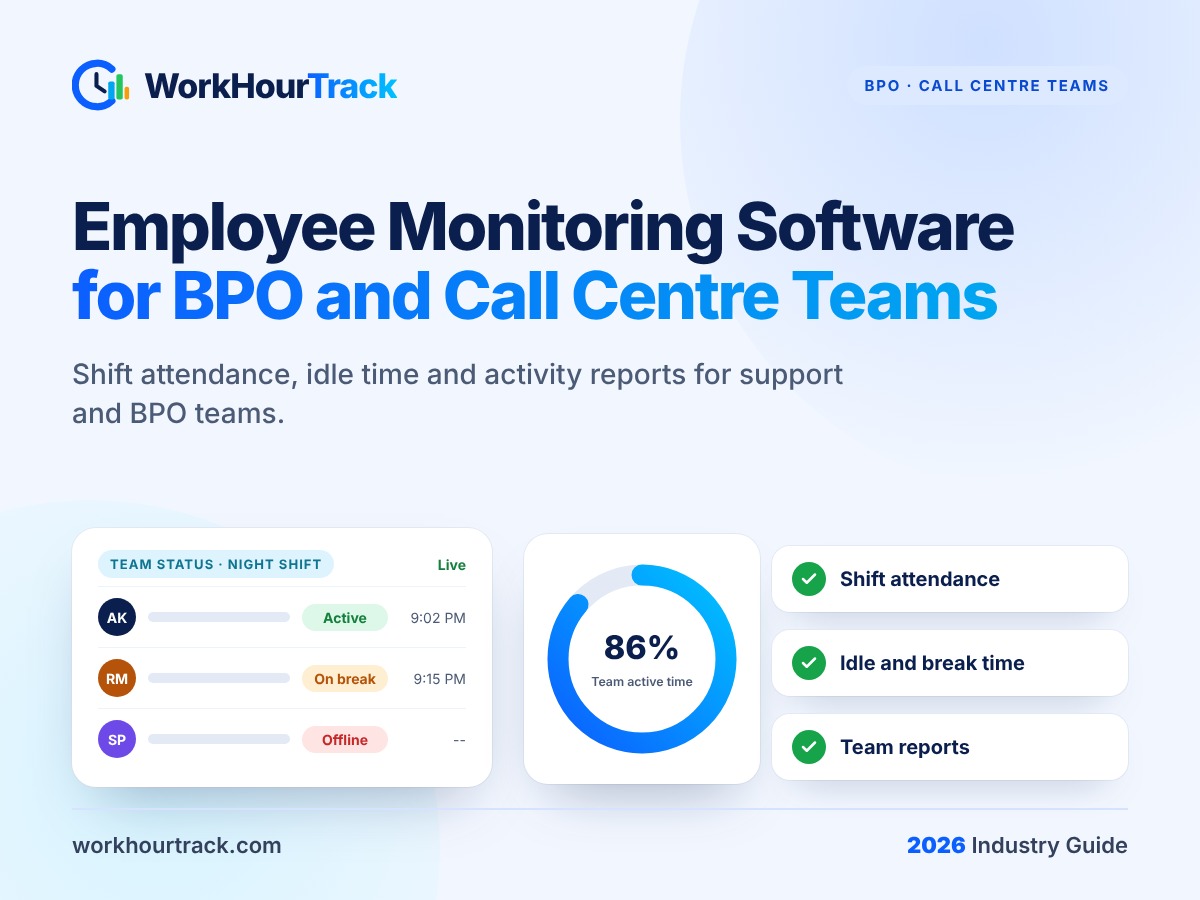
Employee monitoring software for BPO teams helps managers see who is logged in, how long each agent is active, idle or on break, and how a shift is going, without watching every desk. For call centres that run long and often overnight shifts, it can make attendance, overtime and workload easier to manage. This guide explains what to track, what monitoring software cannot do, how to keep it fair and legal, and how to choose a tool for your support team. If you are still comparing options, start with our overview of employee monitoring software in India.
Why BPO and call centre teams use employee monitoring software
- Shift-based attendance. Agents log in at different times across day and night shifts, so late arrivals and early exits are hard to track on paper.
- Overtime and payroll. Reliable hours make overtime and shift allowances easier to calculate.
- Productive time. Active, idle and break time show how a shift is actually spent.
- Client data security. BPOs handle client and customer data, so it helps to see which apps and websites are used on work computers.
- Remote and hybrid agents. When agents work from home, a shared record of hours replaces seeing people at their desks.
What to track, and what to leave out
Worth tracking
- Shift attendance, login and logout times, and punctuality
- Active, idle and break time
- Apps and websites used during work hours, so you can flag non-work sites
- Screenshots on a set schedule for quality and security spot-checks
- Overtime hours and daily or weekly productive time
Leave out
- Personal devices and personal accounts
- The content of what employees type
- Webcam or audio capture, unless your client contract and legal advice clearly allow it
What monitoring software does not replace
Activity monitoring and call-centre platforms do different jobs. Handle time, customer satisfaction, first-contact resolution and call-quality scores come from your dialer, CRM and QA tools. Monitoring software shows attendance and computer activity.
Be careful with idle time. An agent on a call may type or click very little, so low activity does not always mean low performance. Read idle time together with call data before you draw conclusions.
Keep monitoring fair
Call centres are known for tight schedules and heavy monitoring, and research links these to stress and burnout. The same research finds that using monitoring data to develop workers, instead of only disciplining them, improves the workplace climate. In practice:
- Tell agents before you start, and explain why you track each item.
- Share each agent's own reports so they can see what you see.
- Use the data for coaching, not only for warnings.
- Set sensible idle and break rules that match how call work actually happens.
- Limit who can see screenshots and reports, and delete data you no longer need.
- Do not use a single metric as the only basis for discipline.
Legal and compliance points for Indian BPOs
Data protection. Employee data can generally be processed for employment purposes, but monitoring must be work-related, limited to what you need, and transparent. Read our guide on whether employee monitoring is legal in India for the DPDP Act details.
Working hours and overtime. India's Labour Codes set a standard limit of 48 hours a week, with overtime paid at twice the normal rate where it applies. Accurate shift records help you stay within these limits. See our guide to employee attendance and time tracking.
Night shifts. Under the Labour Codes, women can work night shifts with their consent, and the employer must arrange safety, transport and facilities. Keep records of consent and of night-shift attendance. Monitoring software helps with records, but it does not replace safe transport or security arrangements.
Client contracts. Many BPO clients set their own security rules, such as restricted websites or screen-capture limits. Check your contract before you decide what to track.
Call recording. Recording calls has its own rules and customer notices, separate from activity monitoring, so get legal advice before you record.
Labour rules were still being finalised state by state after the codes took effect, so confirm what applies to you with a labour-law adviser.
How to choose employee monitoring software for a call centre
- Shift-friendly attendance with live status (active, idle, offline) and leave tracking.
- Idle and break tracking that you can interpret fairly.
- Reports by agent and team, with overtime and CSV export for payroll.
- App and website tracking so you can mark which tools count as productive.
- Screenshots on a schedule you control, with limited access.
- Support for your computers, most commonly Windows desktops in BPOs.
- Transparency features, such as an employee notice and a visible app.
- Room to grow, with clear per-user pricing and a plan for larger teams. Compare plans in the pricing section and read our guide to employee monitoring software pricing in India.
How to roll it out in six steps
- Set a clear goal, such as accurate shift attendance or fewer security incidents.
- Check your client contract and get legal advice on what you can track.
- Write a short policy and notice and share it with every agent.
- Pilot with one process or shift using a free trial.
- Set idle and break rules that match call-handling work.
- Review reports weekly with team leaders and use them for coaching.
How WorkHourTrack helps support teams
WorkHourTrack tracks attendance and computer activity for Windows and Mac computers. Call recording, call scoring and customer-satisfaction metrics stay in your telephony and QA tools.
- Attendance: check-in, check-out and live team status, with employees shown as active, idle or offline, plus leave.
- Automatic time tracking: work hours with active and idle time, tracked in the background.
- Apps and websites: see which applications are used, and choose which count as non-productive.
- Screenshots: taken on a schedule you set.
- Reports: daily and weekly reports, hours by day, leaderboard, overtime and CSV export.
- Transparency: each employee accepts a notice before tracking starts, and the desktop app shows when it is running.
- Larger teams: an Enterprise plan with custom pricing, live tracking and dedicated support.
See the full feature list, the homepage FAQ and our Privacy Policy. You can start with a 3-day free trial, no credit card required.
Frequently asked questions
What should I look for in employee monitoring software for BPO and call centre teams?
Look for shift-friendly attendance, active, idle and break tracking, team reports with overtime and CSV export, control over screenshots and app tracking, transparency features, and pricing that scales with your team. Match the tool to your client contracts and compliance needs.
Can employee monitoring software measure call quality?
No. Activity monitoring shows attendance and computer activity. Call quality, handle time and customer satisfaction come from your dialer, CRM and QA tools, so use both together.
Is it legal to monitor call centre agents in India?
Monitoring work activity is generally lawful when it is work-related, limited to what you need and transparent to employees. Call recording has its own rules and customer notices, so take legal advice for your situation.
How should I monitor night-shift teams fairly?
Apply the same rules to every shift, read idle time with context, and keep clear attendance records. Under the Labour Codes, women working night shifts need to consent, and the employer must provide safety and transport arrangements.