Employee Monitoring Software for IT Companies and Software Teams
· 7 min read
- IT Companies
- Software Teams
- Developers
- Employee Monitoring
- Project Time Tracking
- Productivity
- Remote Teams
- Privacy
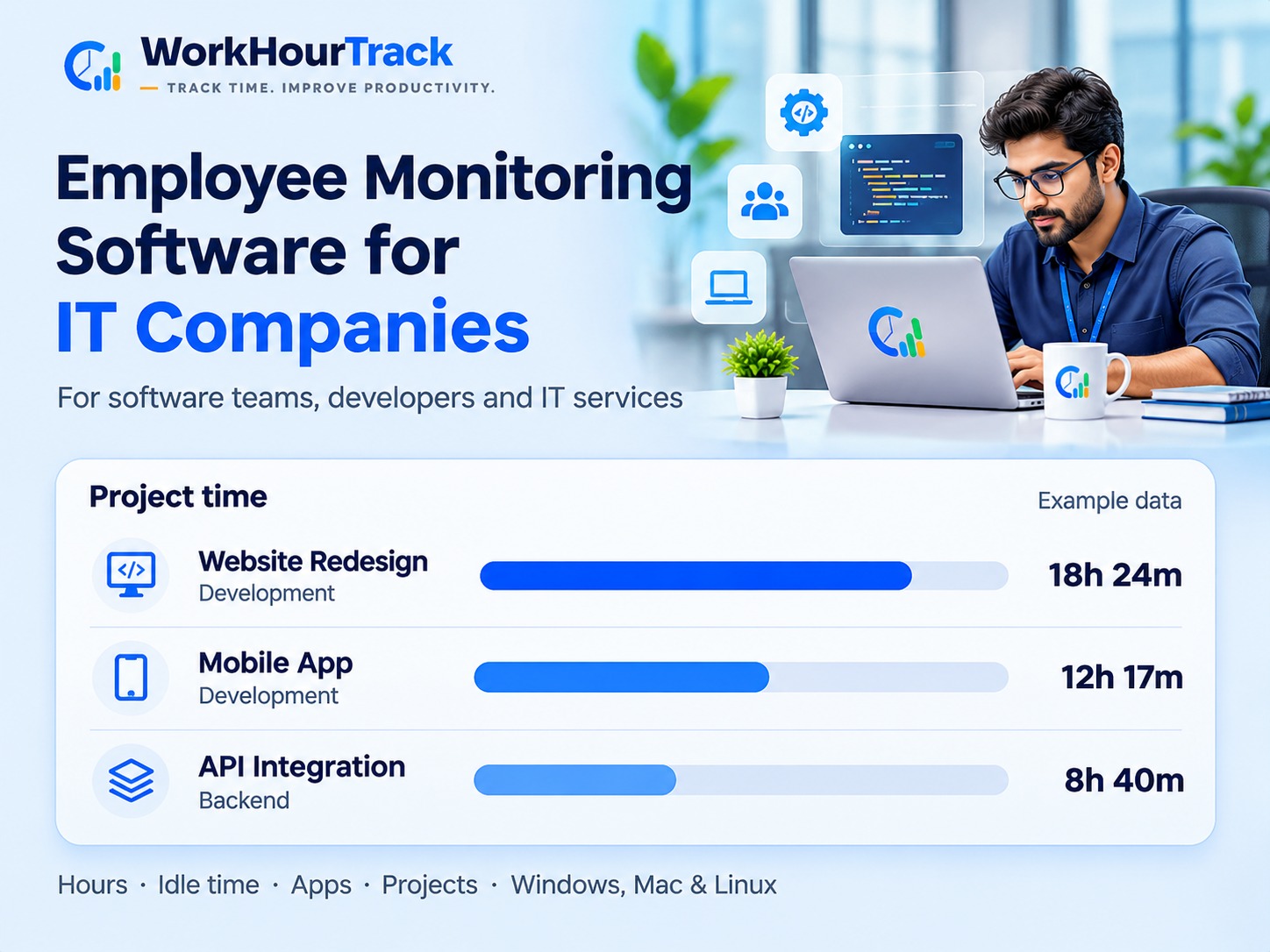
Employee monitoring software for IT companies should record hours, projects and working patterns without treating developers like call-centre agents. Software work is mostly thinking, reading and reviewing, so a tool that only counts keystrokes gives a poor picture. This guide explains how IT work differs, what to track and what to leave out, how to handle source code and client data, how to measure software teams fairly, and how to roll monitoring out so engineers trust it. For the wider picture, see our overview of employee monitoring software in India.
Why IT teams need a different approach
Developers, testers, designers and support engineers spend much of their day away from the keyboard. A person can solve a hard bug by reading code for an hour and then fix it in five minutes of typing.
- Deep work is quiet. Reading, designing and debugging produce little keyboard or mouse activity.
- Meetings are part of the job. Stand-ups, reviews, planning and client calls look idle to a computer.
- Pairing and whiteboarding happen away from the screen.
- Output matters more than activity. A short, well-reviewed change can be worth more than a day of typing.
Research on developer productivity published in ACM Queue says productivity cannot be reduced to a single metric, and that treating it as only a matter of activity is a common myth. Monitoring data is useful context, not a score.
What to look for in employee monitoring software for IT companies
- Project and task time. Hours assigned to projects and tasks, with billable and non-billable time kept apart.
- Active and idle time that is easy to read. A timeline that shows meetings, breaks and focus time, not just one percentage. See active time vs idle time.
- Support for every computer you use. Engineering teams often mix Windows, Mac and Linux machines.
- App and website categories you control. Editors, terminals, Git tools, documentation and chat should not be marked as distractions. See our guide to tracking employee app and website usage.
- Attendance and leave, for teams working across shifts, time zones and clients.
- Reports you can export, such as CSV files for payroll and client invoices.
- Transparency tools, such as a consent notice before tracking starts and an app that shows when it is running.
What to track on software teams
- Working hours and attendance, so the team calendar and payroll match.
- Time per project and task, which is the most useful data for IT services and agencies.
- Billable hours, so client invoices rest on recorded time.
- Overall active and idle patterns, looked at as team trends, not minute by minute.
- App categories, to see how much time goes to development tools, meetings and chat.
What to leave out
- What was typed, including code, commit messages and chats
- Personal accounts and personal devices
- Performance scoring from activity alone, such as ranking developers by keystrokes
- Tracking outside working hours
Only counts of key presses and mouse clicks should be recorded, never which keys were pressed. Check this with any tool you evaluate.
Protect source code and client data
IT companies hold source code, credentials and client information, and any monitoring tool should add to that protection, not weaken it.
- Be careful with screenshots. A screen capture can show code, secrets or client data. Use them only if you need them, choose a sensible interval, and limit who can view them.
- Restrict admin access. Only people who need monitoring data should see it.
- Keep it to work devices that the company provides or manages.
- Check client contracts. Some clients set rules on how their data and work may be handled.
- Review the vendor's policies, including privacy, security and data processing terms.
How to measure software teams fairly
- Combine several signals. Use hours and projects together with delivery, such as tasks completed, reviews done and releases shipped.
- Compare teams with their own past weeks, not with other roles.
- Treat low activity as a question, not a verdict. Ask what the person was working on.
- Do not rank developers by activity. It rewards looking busy and can push people to game the numbers.
- Look for team problems, such as overloaded people, blocked work and too many meetings.
How to roll out monitoring in an IT company
- Start with the purpose, such as accurate client billing, project costing or remote team visibility.
- Talk to team leads first, and ask them what a fair picture looks like for their roles.
- Tell everyone what is tracked and why before tracking starts, in writing.
- Run a pilot with one team for two weeks without judging the numbers.
- Set app categories by role. Developers, testers and designers use different tools.
- Review reports weekly, with a focus on projects and trends.
- Collect feedback and adjust after the first month.
Privacy and compliance for IT companies
The UK data protection regulator's guidance for employers says monitoring must be necessary, proportionate and open to workers. It is UK guidance, not Indian law, but it is a useful benchmark, especially if you serve clients abroad.
In India, the Digital Personal Data Protection Act, 2023 applies to employee data. Read our guide on whether employee monitoring is legal in India for the basics.
Common mistakes IT companies make
- Ranking developers by activity or hours
- Marking development tools or documentation sites as non-productive
- Using screenshots without thinking about code and client data
- Rolling out without talking to engineers first
- Judging remote engineers by one metric
- Buying a tool that does not support the computers the team uses
How WorkHourTrack fits IT companies and software teams
WorkHourTrack records active and idle time, attendance and productivity automatically, and shows them to admins.
- Project time: assign time to projects and tasks, separate billable hours and spot work that is running over.
- Apps and websites: see where time goes, grouped as productive, neutral or distracting by rules you set.
- Attendance and leave: check-ins, holidays and leave requests with live online and offline status.
- Reports: per-employee and team reports for any period, exported to CSV for payroll and client invoices.
- Computers: the desktop app supports Windows, Mac and 64-bit Linux.
- Transparency: each employee accepts a notice before tracking starts, the desktop app shows when it is running, and only counts of key presses and mouse clicks are kept.
- Pricing: project tracking and app and website tracking are on the Professional plan at ₹250 per user per month, so a 20-person software team pays ₹5,000 a month before taxes.
See the full feature list, the homepage FAQ and the pricing section. You can start with a 3-day free trial, no credit card required. For cost planning, read our guide to employee monitoring software for small businesses.
Frequently asked questions
Is employee monitoring software suitable for software developers?
Yes, if it is used for hours, projects and team patterns and not to score individuals on activity. Developers do a lot of reading, thinking and meeting work that does not show as keyboard activity.
Should IT companies use screenshots?
Only if there is a clear need. Screenshots can capture code, credentials and client data, so use a sensible interval, limit who can see them and tell employees first.
How can IT companies track billable hours?
Use software that lets employees or admins assign time to projects and tasks, separates billable from non-billable hours and exports reports to CSV for client invoices.
Does monitoring software record the code developers write?
It should not. Choose a tool that keeps only counts of key presses and mouse clicks, never which keys were pressed or what was typed. WorkHourTrack works this way.