How to Monitor Employee System Activity at Work
How to monitor employee system activity at work: what to track, security vs productivity monitoring, privacy rules and the tools to use.
6 min read
- System Activity
- User Activity Monitoring
- Employee Monitoring
- Security
- Productivity
- Privacy
- Compliance
- IT Policy
On this page
To monitor employee system activity at work, you collect records of what happens on work computers and company systems, such as login times, active and idle time, apps and websites used, and, for security, file access and device use. The right approach depends on what you want to know, because "system activity" means two different things: productivity activity and security activity. This guide explains both, what to track, how to set it up step by step, which tools to use, and how to stay fair and transparent. For the wider picture, see our overview of employee monitoring software in India.
What does it mean to monitor employee system activity?
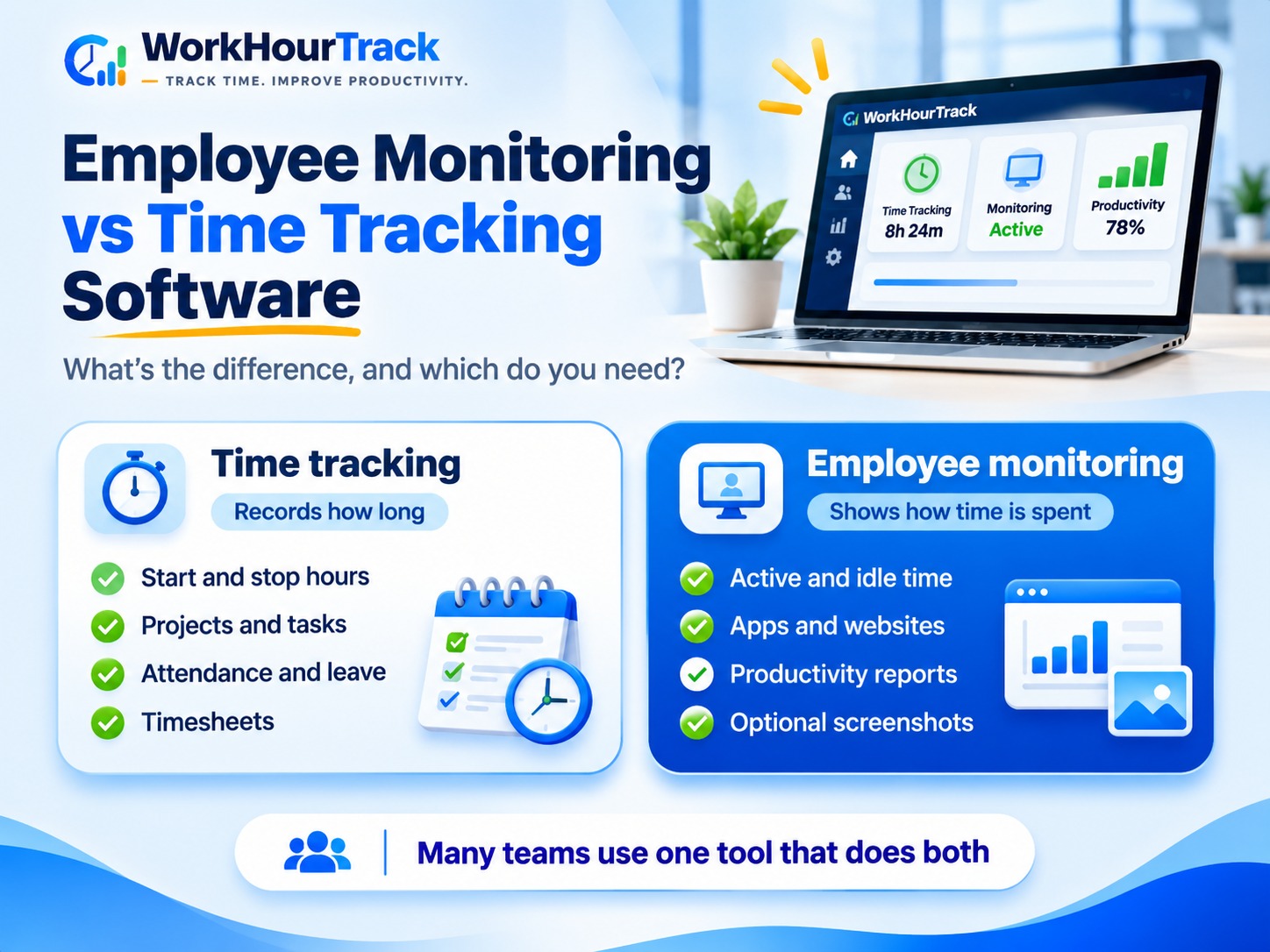
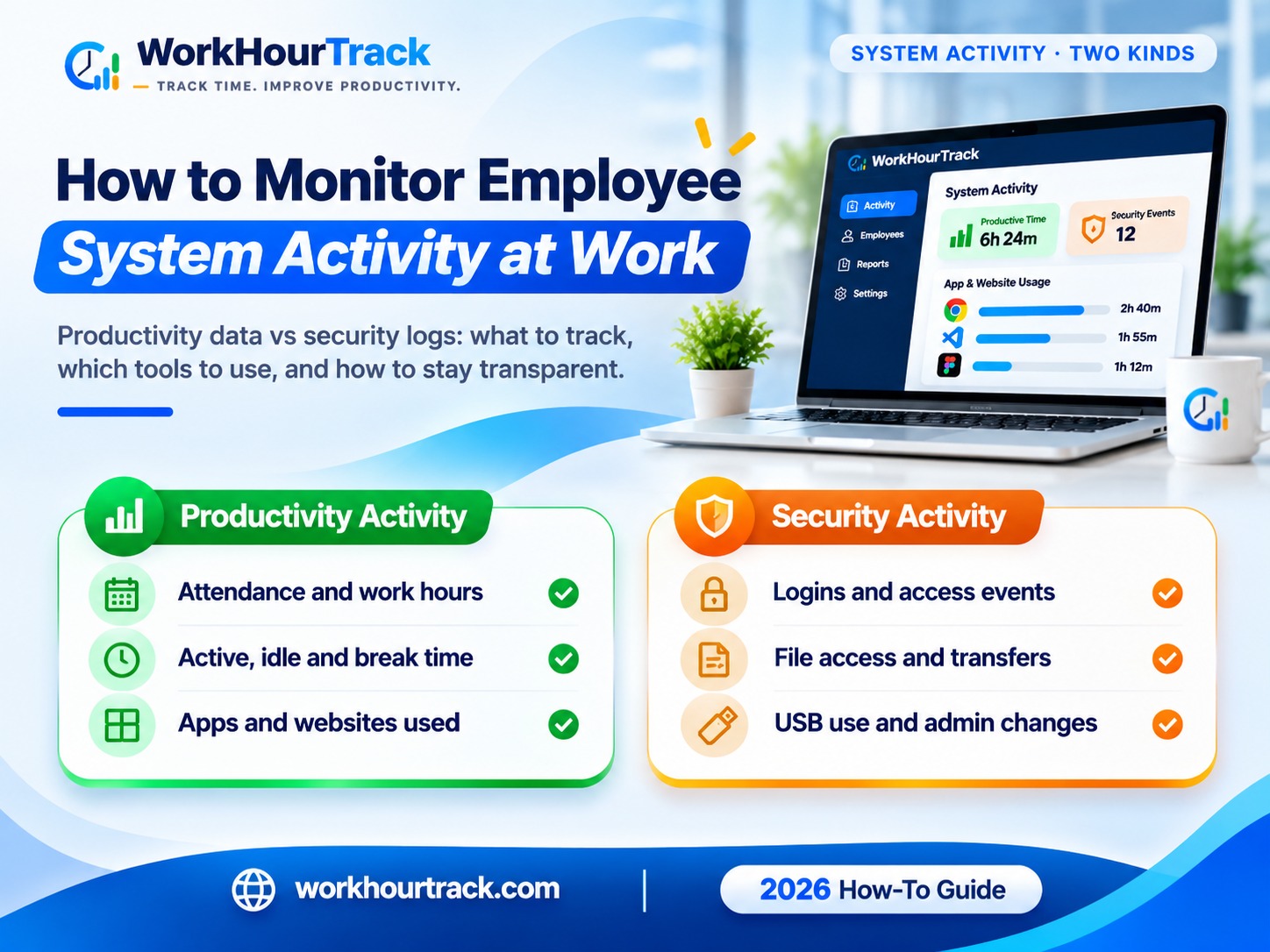
- Productivity activity: attendance, work hours, active and idle time, and the apps and websites used. This tells managers how time is spent.
- Security activity: logins, file access, data transfers, USB use, permission changes and admin actions. This tells IT and security teams who accessed what, and whether something looks risky.
The two use different tools and answer different questions, so decide which one you need before you buy anything.
What you can monitor on work computers
| Activity | Kind |
|---|---|
| Login times and attendance | Productivity |
| Active, idle and break time | Productivity |
| Apps and websites used | Productivity |
| Screenshots on a schedule | Productivity |
| File access and file transfers | Security |
| USB and removable device use | Security |
| Sign-ins from unusual places or devices | Security |
| Admin commands and permission changes | Security |
Security tools collect much more detail, so they need stronger controls and a clearer reason.
How to monitor employee system activity step by step
- Define the goal. Do you want to understand working time, protect sensitive data, or both?
- Choose the kind of activity that matches the goal, and nothing beyond it.
- Limit monitoring to work devices and work accounts.
- Choose the tools. Productivity tools and security tools are different products.
- Write a short policy and notice and share it with your team before you start.
- Collect a baseline for a couple of weeks before you act on any numbers.
- Review reports and alerts on a schedule, and agree who looks at what.
- Restrict access to the data to the people who need it.
- Review and delete data you no longer need.
Tools for monitoring system activity
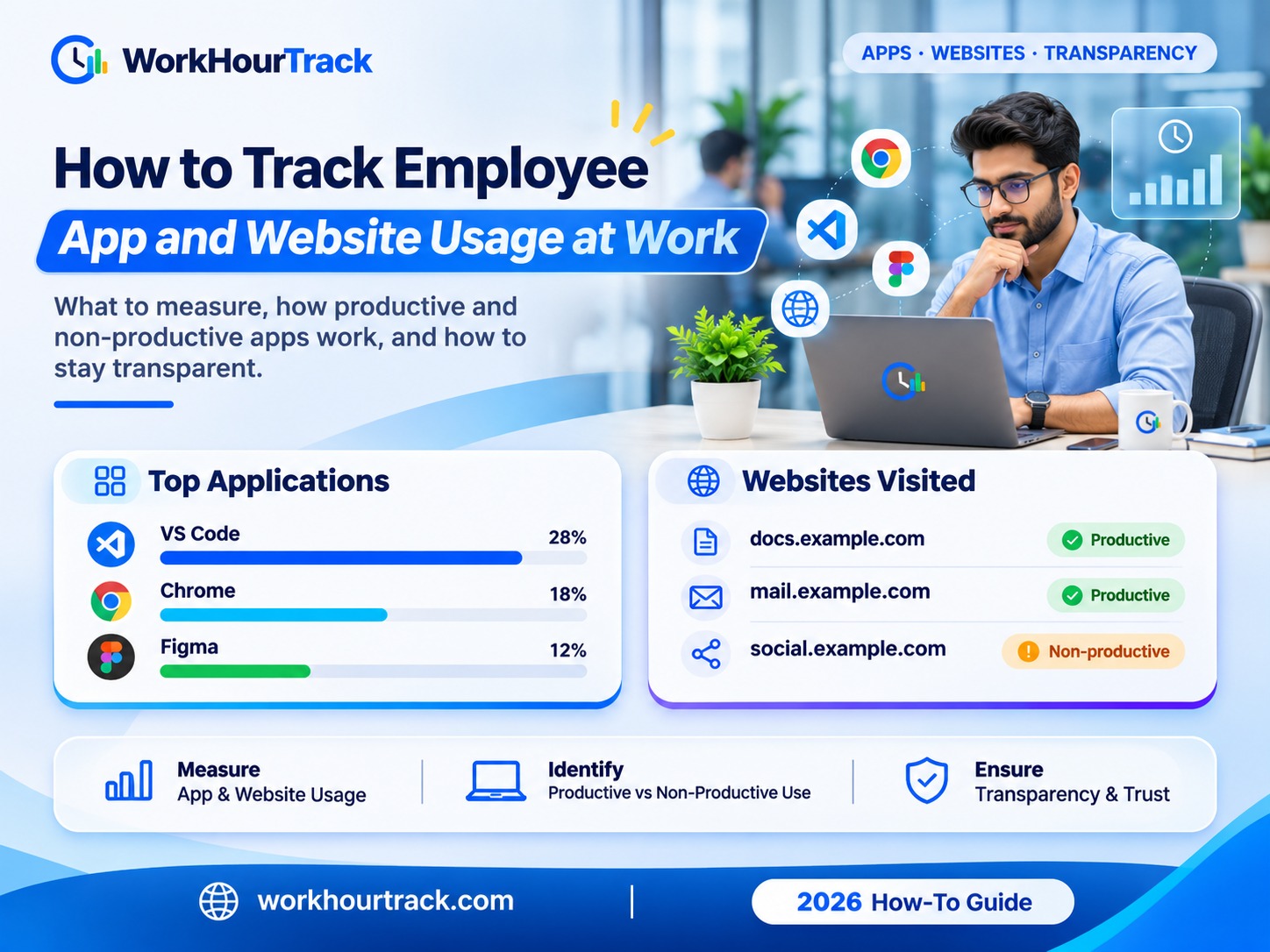
For productivity activity, use employee time tracking and monitoring software. It runs on each computer and records hours, active and idle time, apps and websites, and sometimes screenshots. See our guides to active time vs idle time and how to track employee app and website usage.
For security activity, use IT security tools, such as endpoint agents, identity and sign-in logs, cloud app audit logs and data loss prevention. Security guides note that relying only on endpoint agents misses a lot, so teams combine several log sources. A separate overview lists what these tools commonly collect, including file access, data transfers and configuration changes.
Many businesses need both, run by different teams.
What to leave out or handle with care
- Keystroke logging. It is intrusive and usually treated as a sensitive special case. Avoid it unless you have a strong, documented need.
- Personal devices and personal accounts.
- Webcam or microphone capture, unless your policy and legal advice clearly allow it.
- Anything beyond your stated purpose. Focus on sensitive data, privileged access and systems that could cause real damage.
Privacy and legal points
Tell employees what you monitor and why. Employers in India can generally process employee data for employment purposes, but monitoring should be work-related, limited and transparent. Read our guide on whether employee monitoring is legal in India.
The UK regulator's guidance on monitoring workers is a useful benchmark: monitoring should be necessary, proportionate and open. It is not Indian law. Good practice guides also say to limit who can see monitored data on a need-to-know basis.
How to read system activity data fairly
- Look at trends, not single events.
- Add context. A late-night login may be a different time zone, not a risk.
- Send security alerts to IT first, not straight to managers.
- Use productivity data for coaching, and combine it with real output.
- Talk to the employee before you draw a conclusion.
How Work Hour Track helps with productivity activity
Work Hour Track covers the productivity side of system activity on Windows and Mac computers:
- Attendance and live status: check-in, check-out and who is active, idle or offline, plus leave.
- Automatic time tracking: work hours with active and idle time.
- Apps and websites: time in each application, sites visited in supported browsers, and your choice of which count as non-productive.
- Screenshots: taken on a schedule you set.
- Reports: daily and weekly reports, overtime and CSV export.
- Transparency: each employee accepts a notice before tracking starts, the desktop app shows when it is running, and only counts of key presses and mouse clicks are kept, never which keys were pressed.
Work Hour Track does not replace IT security tools. For file access, USB use, sign-in security or admin changes, use your security stack alongside it. See the full feature list, the homepage FAQ and our Security Policy. You can start with a 3-day free trial, no credit card required.
Frequently asked questions
What is employee system activity monitoring?
It means recording what happens on work computers and company systems. It can cover productivity activity, such as hours, idle time and apps, and security activity, such as logins, file access and device use.
Can I monitor employee computers without telling them?
Telling employees is the safe default. Secret monitoring is high-risk, can damage trust and may break data-protection duties, so take legal advice before you consider it.
Is keystroke logging a good idea?
Usually not. It is intrusive and treated as a sensitive special case. Work Hour Track keeps only counts of key presses and mouse clicks, never which keys were pressed.
What is the difference between productivity monitoring and user activity monitoring for security?
Productivity monitoring shows how working time is spent, using hours, idle time and app usage. Security monitoring shows who accessed which systems and files, and flags risky actions. They need different tools and different teams.