Employee Monitoring Software vs Time Tracking Software: What's the Difference?
Employee monitoring vs time tracking software: what each records, how they differ, when to use which and why many teams pick one tool with both.
6 min read
- Employee Monitoring
- Time Tracking
- Comparison
- Buyer's Guide
- Attendance
- Productivity
- Privacy
- Remote Teams
On this page
Employee monitoring vs time tracking software comes down to one question: do you only need to know how long people worked, or also how that time was spent? Time tracking software records hours, projects and attendance. Employee monitoring software adds activity data such as active and idle time, apps and websites, and sometimes screenshots. This guide explains what each records, how they differ, when each is enough, and why many teams choose one tool that does both. For the wider picture, see our overview of employee monitoring software in India.
What is time tracking software?
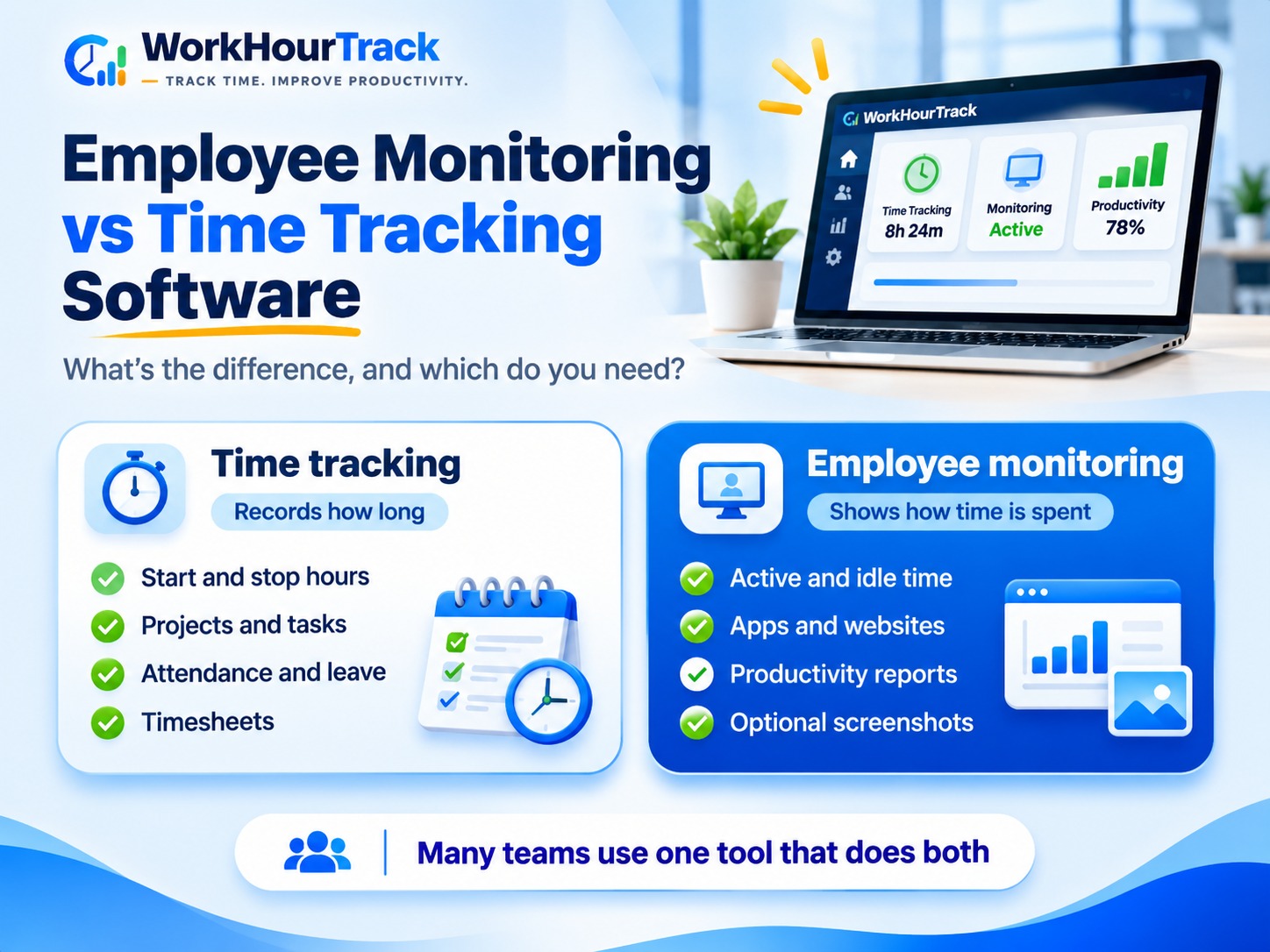
Time tracking software records how long work takes. It answers "how many hours, and on what?"
- Hours worked: start and end times, breaks and overtime.
- Projects and tasks: time assigned to clients, projects or tasks.
- Attendance and leave: check-ins, absences and holidays.
- Timesheets and reports: summaries for payroll and client billing.
Some tools use a timer that people start and stop. Others run in the background and record automatically.
What is employee monitoring software?
Employee monitoring software records how work is done on company devices. It answers "how was the time spent?"
- Active and idle time: periods with and without keyboard and mouse activity. See active time vs idle time.
- Apps and websites: which tools were used and for how long. See how to track employee app and website usage.
- Productivity reports: daily and weekly summaries for each person and team.
- Screenshots (optional): images taken on a schedule.
- Live status: who is online, idle or offline.
Employee monitoring vs time tracking software: key differences
| Time tracking software | Employee monitoring software | |
|---|---|---|
| Main question | How long did people work? | How was the time spent? |
| Records | Hours, projects, attendance | Hours, plus activity, apps and websites |
| Idle time | Often not recorded | Usually recorded |
| Screenshots | Rare | Often optional |
| Best for | Payroll, billing, attendance | Remote teams, productivity visibility, accountability |
| Privacy impact | Lower | Higher, so more care is needed |
| Setup | Simple | Needs policy, notice and categories |
The line between the two is not sharp. Many products include features from both.
When time tracking is enough
- You bill clients by the hour and need accurate project time
- Your team is small, works in one place and already trusts each other
- You mainly need payroll, overtime and leave records
- You want the lightest touch and the least data collected
When you need monitoring features
- Your team is remote or hybrid and you need to see how the working day goes
- You need to understand where time goes across tools and websites
- Your payroll depends on hours that you cannot check any other way
- You handle sensitive work and want to see unapproved tools or sites
- You want productivity reports that go beyond hours worked
For specific industries, see our guides to employee monitoring software for IT companies and for BPO and call centre teams.
Why many teams choose one tool that does both
Running separate tools for time, attendance and activity means more logins, more data in different places and reports that do not match. A single tool that records hours, attendance and activity gives one set of numbers. It also lets you start light and turn on more features, such as app tracking, only when you need them.
How to decide which one you need
- Write down the problem. Late payroll disputes need time tracking. Not knowing where remote time goes needs activity data.
- Start with the least data that solves it. More data means more responsibility.
- Check which computers you use. Our guide to Windows and Mac employee monitoring software covers this.
- Compare the real monthly cost for your team size. See employee monitoring software for small businesses.
- Run a free trial with one team first.
- Tell employees before you start, and say what is recorded and why.
Privacy: the more you record, the more you must explain
Time tracking collects less personal data than monitoring, but both are about employees' data. The UK data protection regulator's guidance for employers says monitoring must be necessary, proportionate and open to workers. It is UK guidance, not Indian law, but it is a useful benchmark.
In India, the Digital Personal Data Protection Act, 2023 applies to employee data. Read our guide on whether employee monitoring is legal in India for the basics.
Common mistakes to avoid
- Buying full monitoring when you only need hours and attendance
- Buying a basic timer and later finding you need activity data
- Not telling employees what is recorded
- Judging people from one number
- Forgetting that time tracking alone does not show how time was spent
How Work Hour Track combines time tracking and monitoring
Work Hour Track records working hours, attendance and activity in one place, so you can start with time tracking and add monitoring features as you need them.
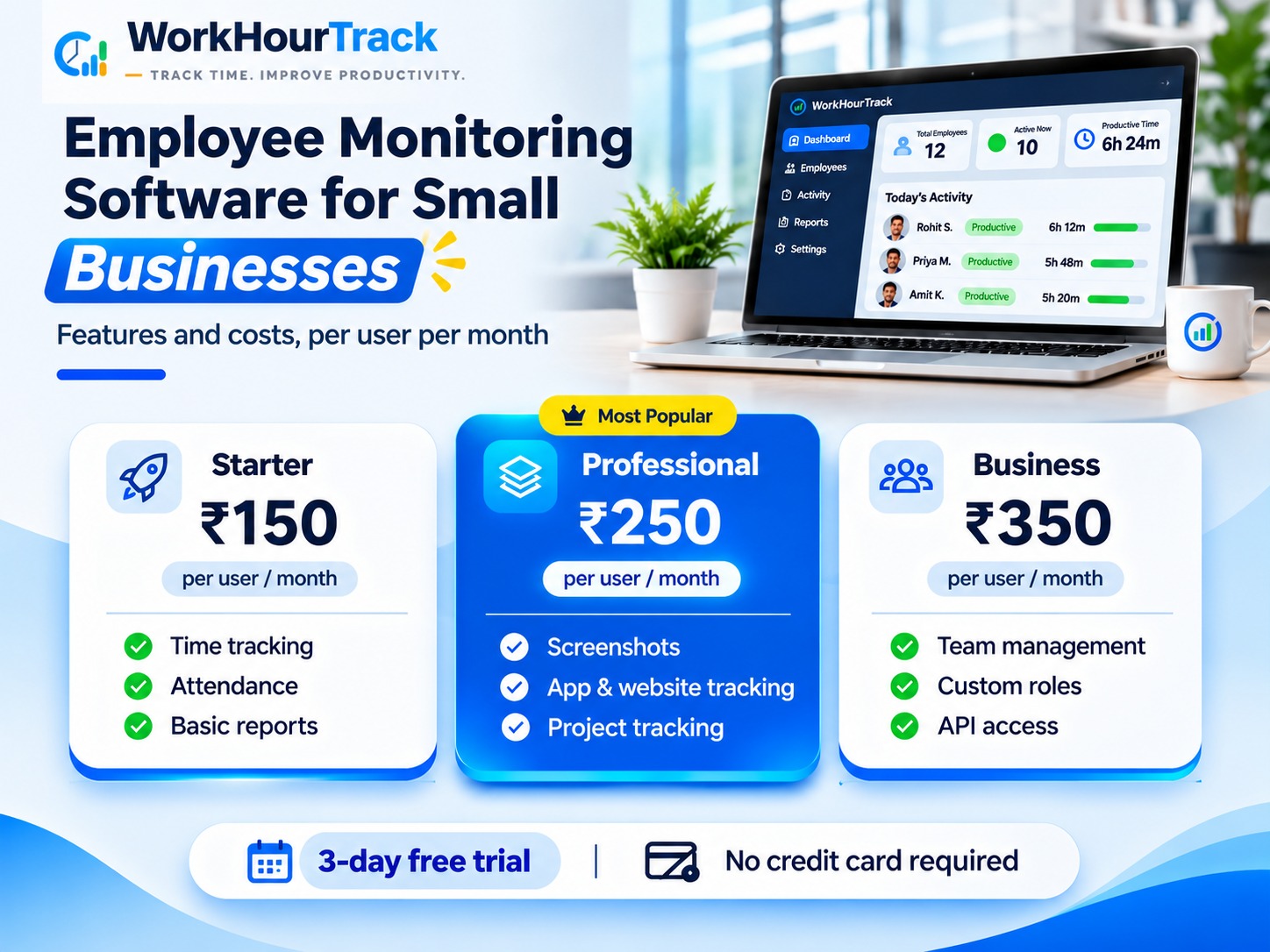
- Starter, ₹150 per user per month: time tracking, attendance and basic reports.
- Professional, ₹250 per user per month: adds screenshots, app and website tracking, project tracking and advanced reports.
- Business, ₹350 per user per month: adds team management, custom roles and permissions, API access and priority support.
- Transparency: each employee accepts a notice before tracking starts, the desktop app shows when it is running, and only counts of key presses and mouse clicks are kept, never which keys were pressed.
See the full feature list, the homepage FAQ and the pricing section. You can start with a 3-day free trial, no credit card required. Read our guide to employee attendance and time tracking if you are starting from attendance.
Frequently asked questions
What is the difference between employee monitoring and time tracking software?
Time tracking software records how long people worked and on what. Employee monitoring software also records how the time was spent, such as active and idle time and the apps and websites used.
Is time tracking software the same as employee monitoring?
No, but they overlap. Many products offer both, and the difference is mostly in how much activity data they collect.
Do I need monitoring software if I already track time?
Not always. If hours, projects and attendance answer your questions, time tracking is enough. Add monitoring when you need to see how remote work is going or where time is spent.
Is monitoring more intrusive than time tracking?
Usually yes, because it collects more data about how people work. Be open about what is collected, collect only what you need and keep it to work devices.