Best Employee Monitoring Software for IT Companies
Best employee monitoring software for IT companies: a practical checklist of must-have features, red flags, a scorecard and how to run a fair trial.
7 min read
- IT Companies
- Buyer's Guide
- Software Teams
- Employee Monitoring
- Features
- Pricing
- Evaluation Checklist
- Privacy
On this page
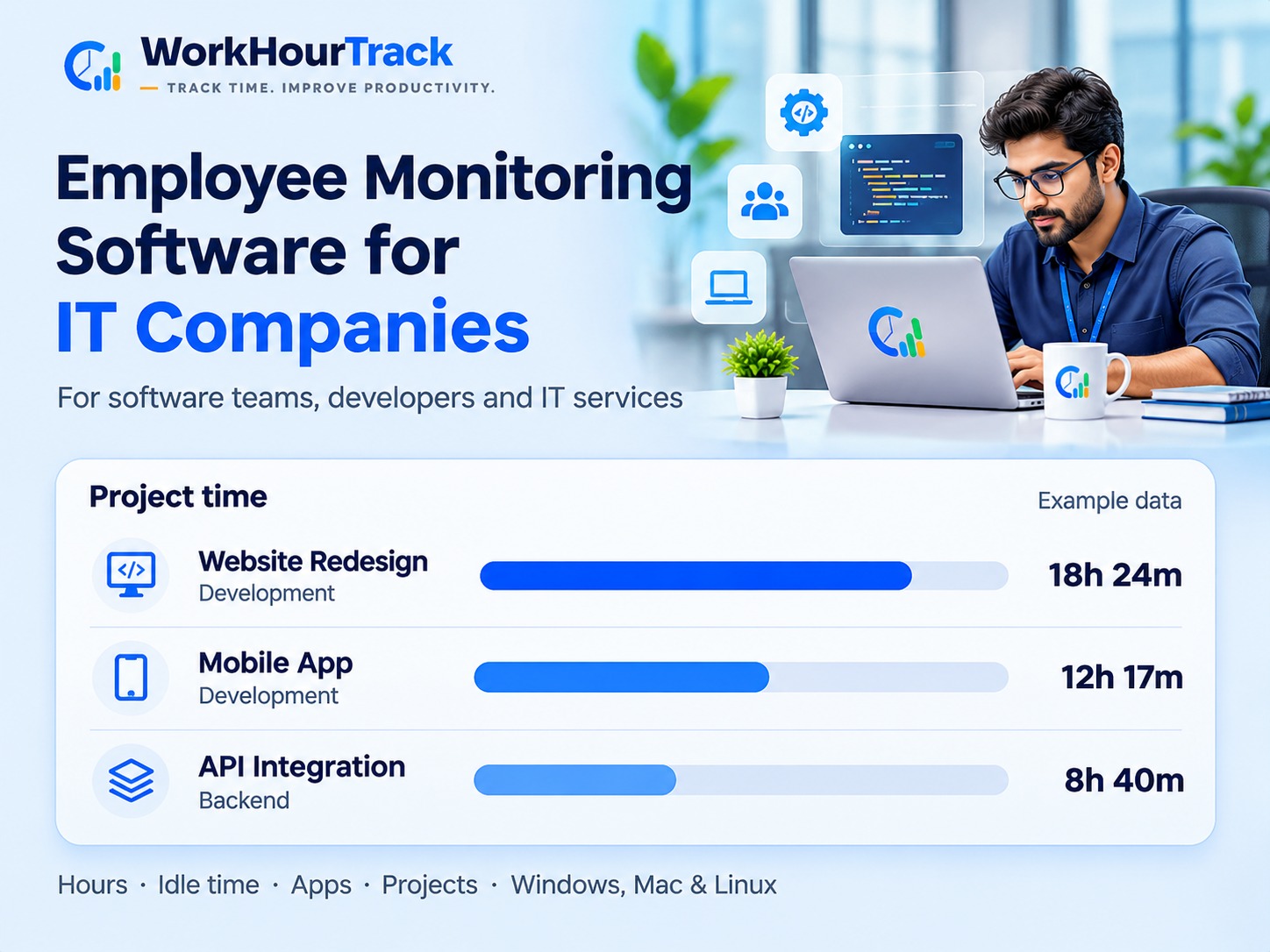
The best employee monitoring software for IT companies is the tool that records hours, project time and working patterns accurately, protects source code and client data, and still earns the trust of your engineers. No single product is best for every team, so this guide gives you a checklist, a list of red flags, a scorecard and a simple trial plan to compare options fairly. For how IT work differs from other teams, read our guide to employee monitoring software for IT companies and software teams.
What makes the best employee monitoring software for IT companies
Software teams do deep, quiet work: reading code, designing, reviewing and meeting. A tool built for call-centre-style tracking will misread that. Research on developer productivity in ACM Queue warns against reducing productivity to a single measure, so the best tool gives you context from several signals and does not rank people by activity.
In practice, the best fit usually has these qualities:
- It matches how your team works, including projects, billing and the computers you use.
- It collects only what you need.
- It is open to employees and easy for them to understand.
- It is priced clearly and can be tested before you commit.
The buyer's checklist
Must-have features
- Project and task time with billable hours. Essential for IT services and agencies that invoice by the hour.
- Support for every operating system you use. Engineering teams often mix Windows, Mac and Linux. Check each one before you shortlist.
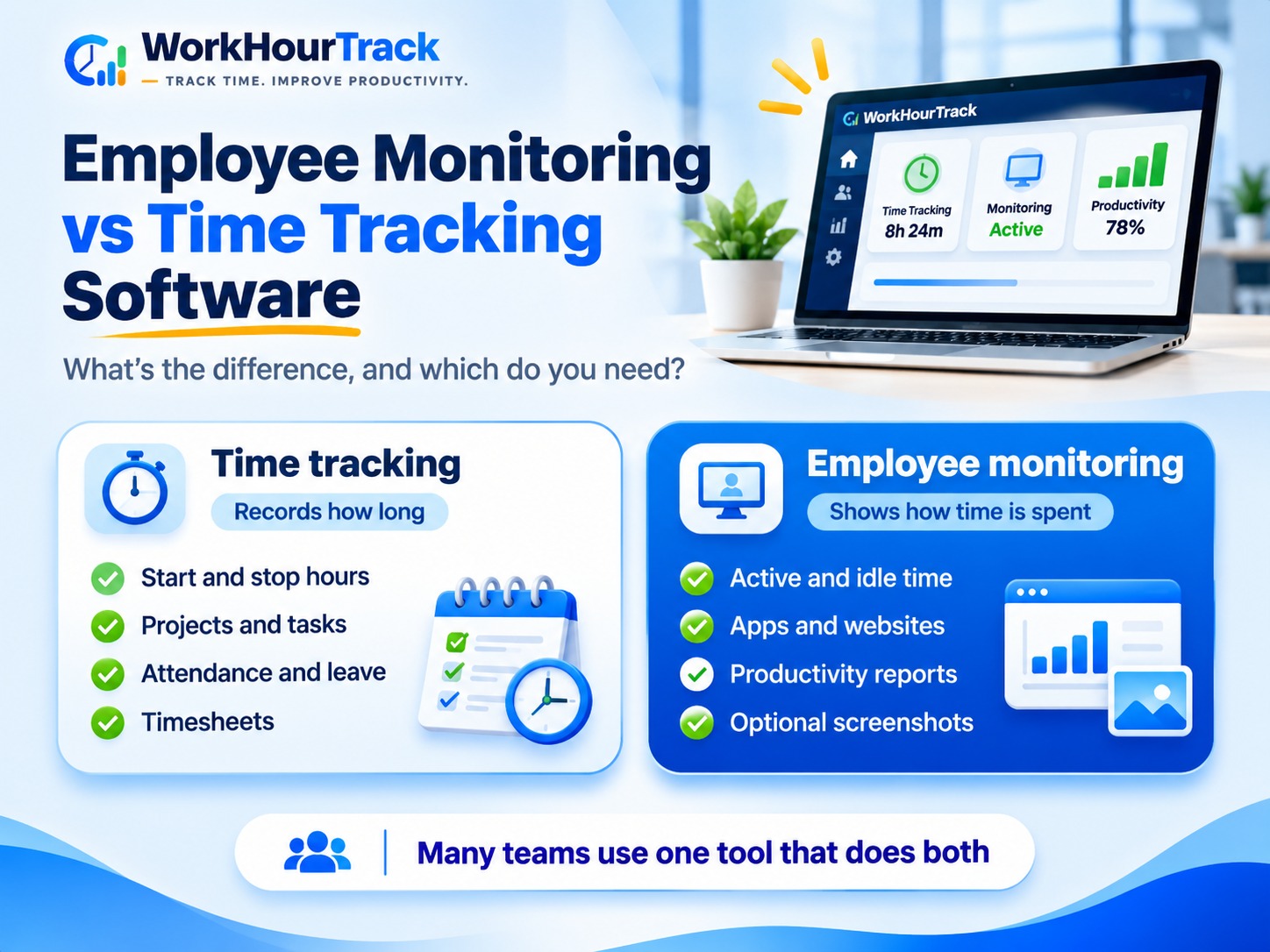
- Readable active and idle time. A daily timeline that shows meetings and breaks is more useful than one percentage. See active time vs idle time.
- App and website categories you control. Code editors, terminals, Git tools, documentation and chat must not be marked as distractions. See how to track employee app and website usage.
- Privacy by design. The tool should record counts of key presses and mouse clicks at most, never which keys were pressed or what was typed.
- Attendance, leave and live status for remote and shift-based teams.
- Exportable reports, such as CSV files for payroll and client invoices.
Controls that matter more in IT
- Screenshot settings. A screenshot can capture code, credentials or client data. Look for control over whether screenshots are used at all, how often, and who can view them.
- Role-based access. Only the people who need the data should see it.
- Transparency tools. A consent notice before tracking starts and an app that shows when it is running.
- Security and data terms. Read the privacy policy and ask where data is stored and how long it is kept.
Nice-to-have features
- API access to connect other tools
- Custom roles and permissions
- Team management for larger organisations
- A mobile app for admins
Red flags to avoid
- Hidden or "stealth" tracking. It damages trust and can create legal risk.
- Recording what is typed, including code, messages or passwords.
- Scoring developers on activity alone.
- No support for your operating systems.
- Unclear pricing, such as per-seat prices that change once you ask for features you need.
- No free trial or demo.
- No clear answer on where data is stored.
A simple scorecard
Score each shortlisted tool from 1 to 5 on every row, multiply by the weight, and compare totals.
| Criteria | Weight | What to check |
|---|---|---|
| Project and billable time | 3 | Can you assign time to projects and tasks and export it? |
| OS support | 3 | Windows, Mac and Linux, tested on your real machines |
| Privacy and transparency | 3 | What is recorded, consent notice, visible app |
| App and website categories | 2 | Can you set categories by role? |
| Screenshot and access controls | 2 | Can you limit or disable screenshots and restrict viewers? |
| Reports and export | 2 | CSV, per-team and per-person views |
| Price for your team size | 2 | Real monthly cost, including taxes |
| Support and trial | 1 | Free trial, response time, onboarding help |
Change the weights to match your priorities. A services firm that bills by the hour may weight project time higher, and a product company may care more about privacy.
How to run a fair trial
- Shortlist two or three tools using the scorecard.
- Pick one team with a mix of roles, such as developers, testers and a team lead.
- Tell the team what is being tested and why.
- Use the same categories and settings in every tool so you compare like with like.
- Compare reports against what you already know, such as timesheets and project plans.
- Ask the team for feedback on what felt intrusive or unclear.
- Choose the tool that answers your questions with the least data collected.
Questions to ask every vendor
- What exactly is recorded, and what is never recorded?
- Which operating systems are supported, and are there differences between them?
- Can screenshots be turned off or limited?
- Who can see which data, and can access be restricted?
- Where is data stored, and for how long?
- What does the total monthly cost look like for our team size?
- Can we cancel at any time?
What it costs for IT teams
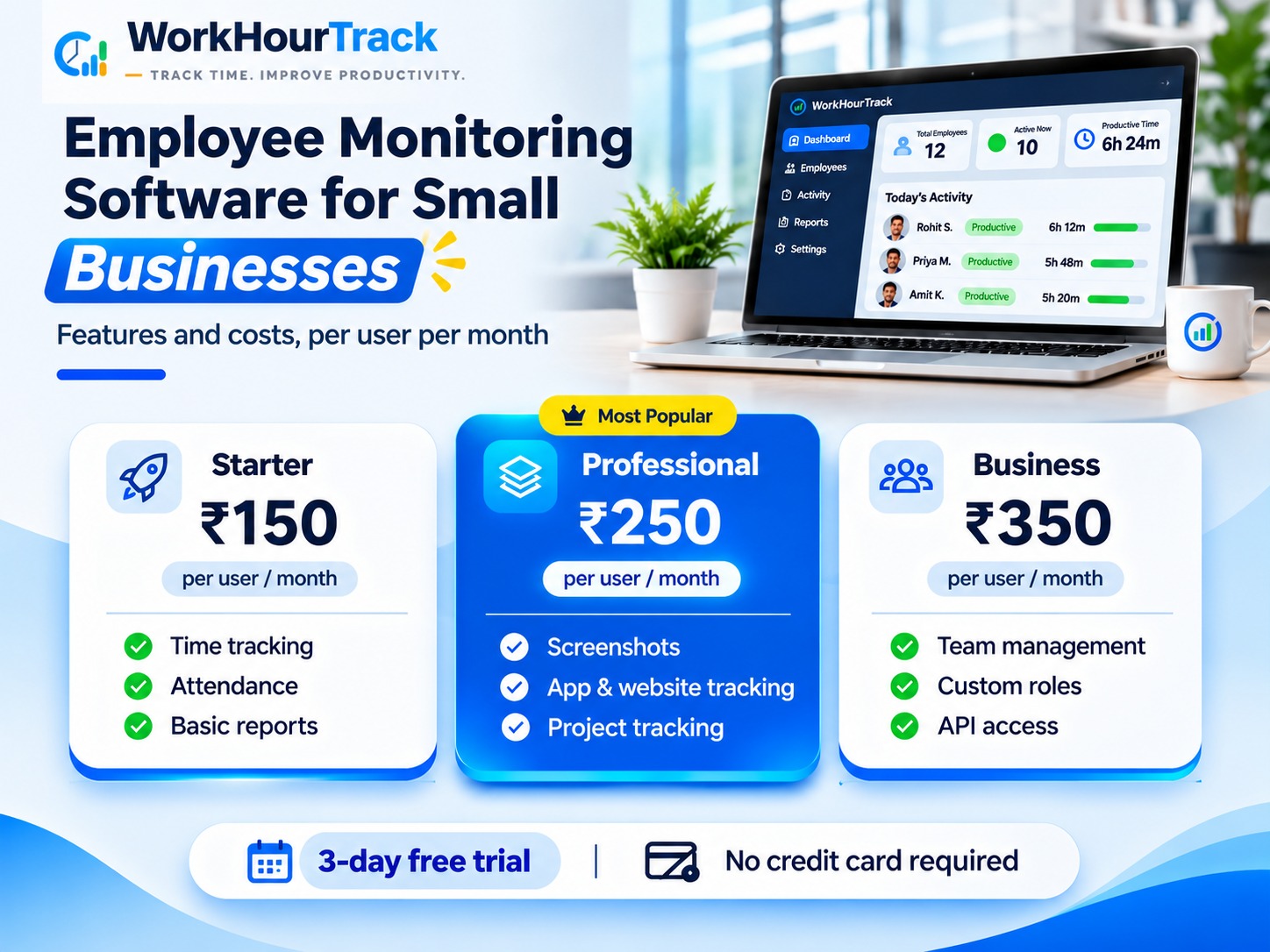
Most tools charge per user per month. For WorkHourTrack, project tracking and app and website tracking are on the Professional plan at ₹250 per user per month, and the Business plan is ₹350.
| Team size | Professional (₹250) | Business (₹350) |
|---|---|---|
| 10 people | ₹2,500 | ₹3,500 |
| 25 people | ₹6,250 | ₹8,750 |
| 50 people | ₹12,500 | ₹17,500 |
These are before any taxes. Check the pricing section for current prices. For a wider look at costs, read our guide to employee monitoring software for small businesses.
Privacy and compliance
The UK data protection regulator's guidance for employers says monitoring must be necessary, proportionate and open to workers. It is UK guidance, not Indian law, but it is a useful benchmark, especially if you serve clients abroad.
In India, the Digital Personal Data Protection Act, 2023 applies to employee data. Read our guide on whether employee monitoring is legal in India for the basics.
Where WorkHourTrack fits
WorkHourTrack records active and idle time, attendance and productivity automatically. Measured against the checklist above:
- Project time: assign time to projects and tasks, with billable hours kept separate.
- Operating systems: Windows, Mac and 64-bit Linux.
- Apps and websites: productive, neutral and non-productive categories that you set.
- Privacy: only counts of key presses and mouse clicks are kept, never which keys were pressed, and each employee accepts a notice before tracking starts.
- Reports: per-employee reports with CSV export.
- Pricing and trial: ₹150, ₹250 and ₹350 per user per month, with a 3-day free trial and no credit card required.
Run it through your own scorecard like any other tool. See the full feature list and the homepage FAQ.
Frequently asked questions
What is the best employee monitoring software for IT companies?
There is no single best tool. The best one records project time and hours accurately, supports your operating systems, protects code and client data, never records what is typed and fits your budget. Score two or three options and run a trial.
What features should IT companies look for?
Project and billable time, support for Windows, Mac and Linux, readable active and idle time, controllable app categories, screenshot and access controls, and clear privacy settings.
Should IT companies use screenshots?
Only if there is a clear need. Screenshots can capture code, credentials and client data, so use a sensible interval, limit who can see them and tell employees first.
How do I roll out monitoring without upsetting developers?
Explain what is tracked and why before you start, talk to team leads first, pilot with one team and use the data for projects and trends, not to rank individuals.