How to Track Employee Productivity Without Micromanaging
How to track employee productivity without micromanaging: focus on outcomes, use activity data fairly, set clear goals and build trust.
5 min read
- Employee Productivity
- Micromanagement
- Remote Teams
- Management
- Trust
- Performance
- Time Tracking
- Fair Monitoring
On this page
You can track employee productivity without micromanaging by measuring outcomes and trends instead of watching every minute, using activity data only as context, and being open about what you measure. The aim is to know that work is getting done and to spot problems early, without making people feel watched. This guide explains why micromanaging backfires, gives a simple step-by-step approach, lists metrics that work, and shows where software helps and where it does not. For the wider picture, see our overview of employee monitoring software in India.
Why micromanaging backfires
Managers often worry more about productivity than employees do. In a 2022 survey of 20,000 people in 11 countries, 85% of business leaders said hybrid work made it hard to be confident that their teams were productive, while 87% of employees said they were productive. In the same research, only 12% of leaders reported full confidence that their team was productive, and tracking activity rather than impact was said to undermine trust and push people to look busy instead of doing meaningful work.
Heavy checking also has a cost. Research on call centres links tight monitoring and schedules to stress, and finds that using monitoring information to develop people, rather than only to discipline them, improves the workplace climate.
How to track employee productivity without micromanaging
- Define what productive means for each role. A designer, a support agent and a salesperson do very different work, so agree on outcomes for each.
- Set clear goals and deadlines. Weekly priorities and clear deliverables reduce the need to check in constantly.
- Measure outputs. Use tasks completed, tickets resolved, projects delivered and quality, not hours online.
- Use time and activity data as context, not as the score. Attendance, hours and active or idle time explain what happened, but they are not the result.
- Look at weekly trends, not daily dips. One quiet day means very little.
- Hold regular one-to-ones, and ask what is blocking people.
- Be transparent. Tell your team what is tracked and why, and share the reports with them.
- Coach first. Step in on patterns that continue, and start with a conversation, not a warning.
Productivity metrics that work
- Knowledge workers: goals met, projects delivered, quality reviews and deadlines hit.
- Support teams: tickets resolved, response times and customer feedback.
- Sales: pipeline, conversions and follow-up quality.
- Developers and designers: work shipped, review outcomes and delivery against plan.
Metrics that mislead include emails sent, hours online, lines of code and how early someone logged in. A Microsoft researcher says leaders should judge the quality and impact of the work, not these signals.
What to avoid
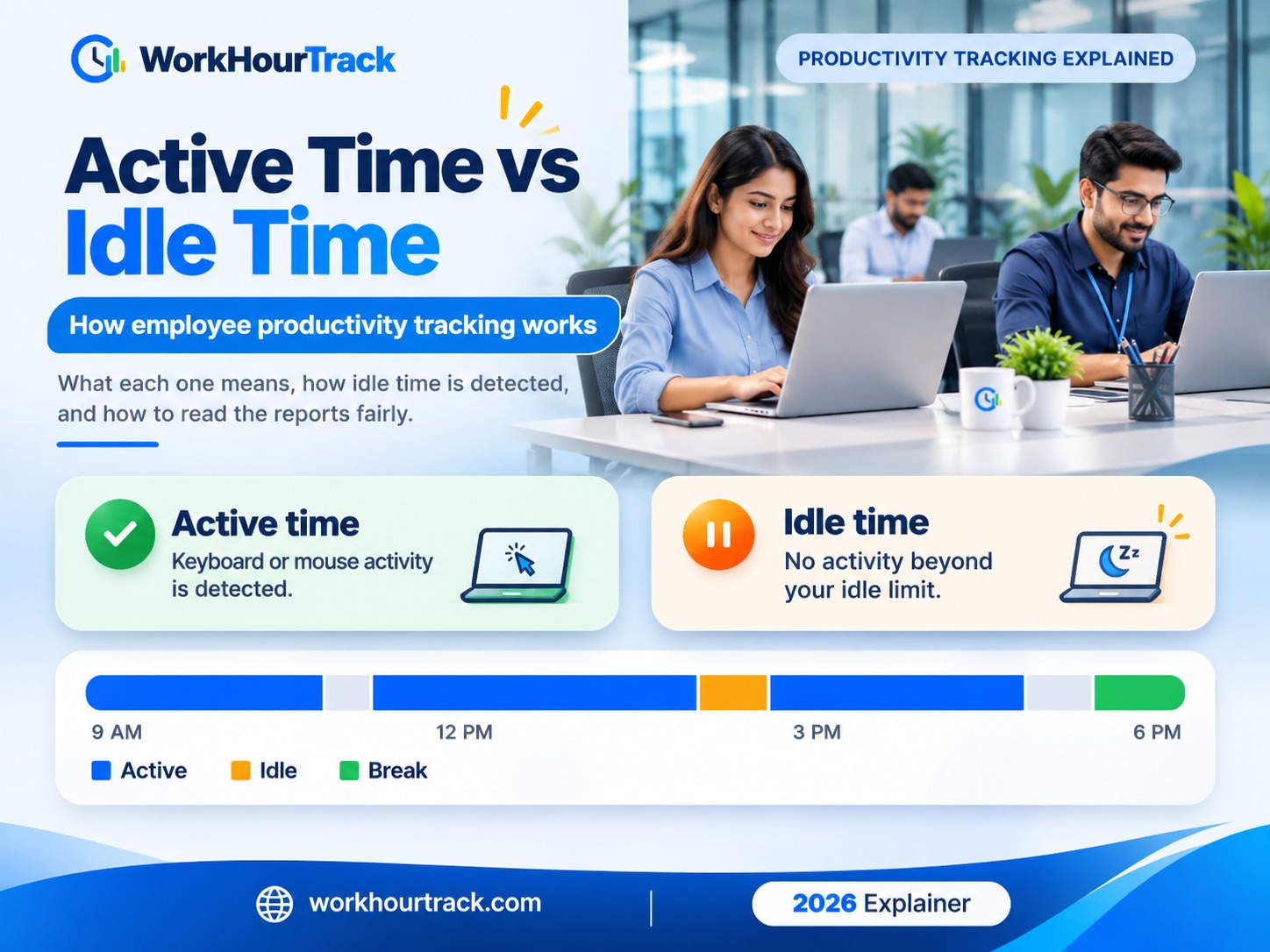
- Counting every idle minute. Meetings, calls and thinking all happen without typing. See our guide to active time vs idle time.
- Keystroke logging. It is intrusive and rarely tells you anything useful.
- Comparing people in different roles on the same number.
- Surprise monitoring. Always tell people what you track.
- Reacting to a single data point instead of a trend.
- Using software as a substitute for management. Data raises questions, and conversations answer them.
Where software helps, and where it does not
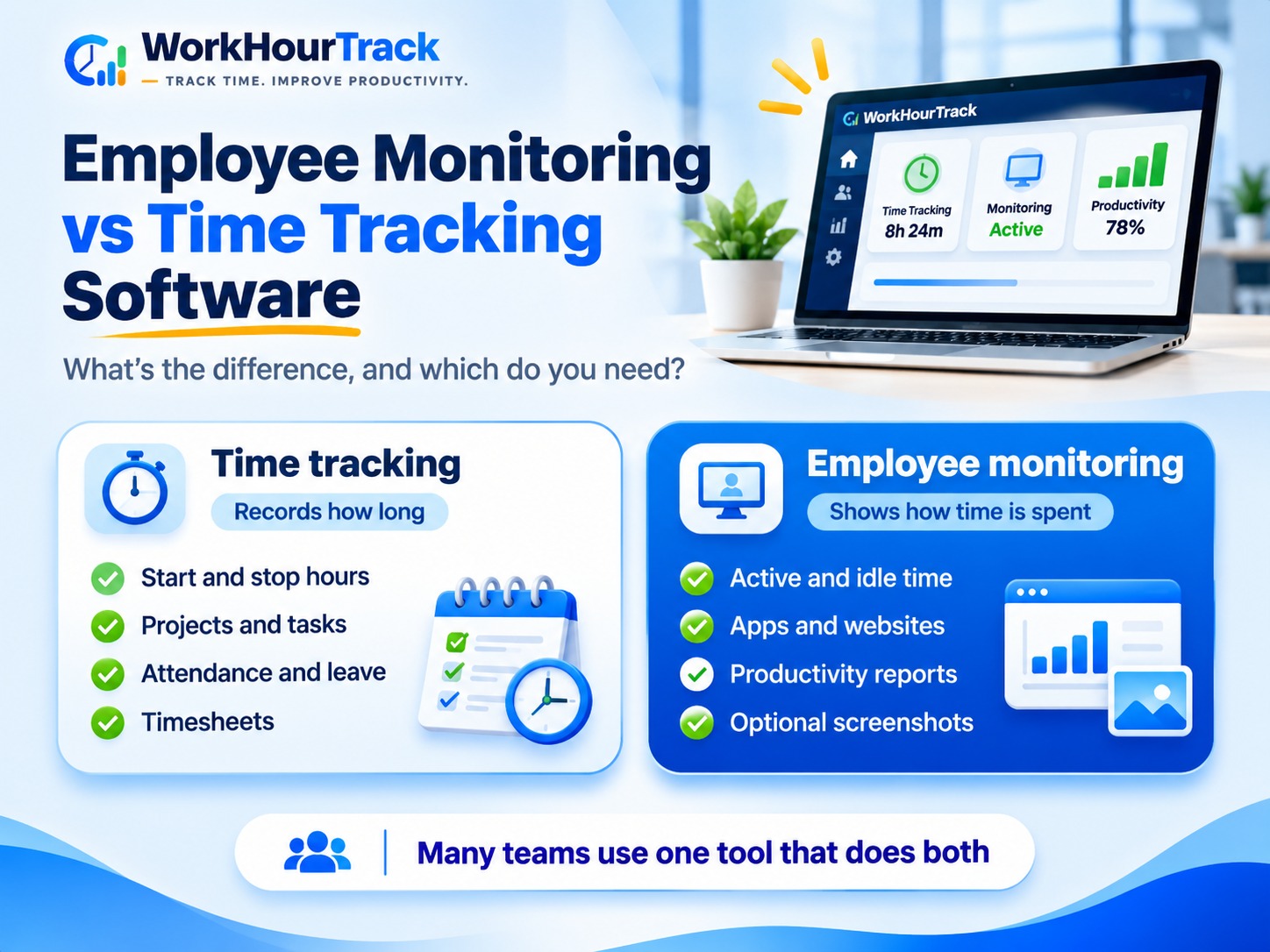
Software is good at the routine parts: recording attendance and working hours automatically, showing trends over weeks, and giving managers a shared record for payroll and planning. It cannot judge quality, creativity or teamwork. Use it for context, and judge the work itself yourself.
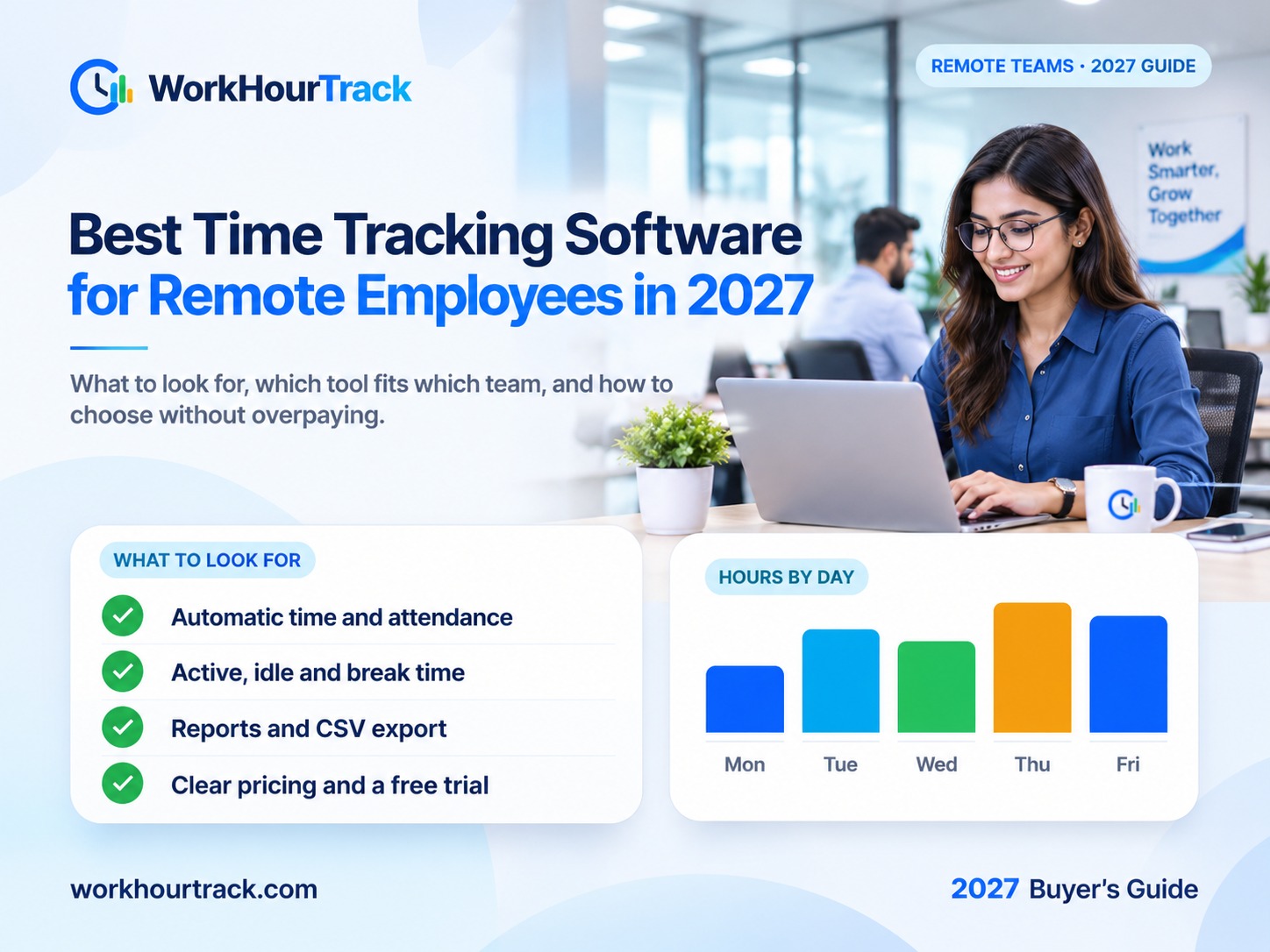
If you decide to use a tool, keep it light. Read our guides to employee attendance and time tracking, how to track employee app and website usage and the best time tracking software for remote employees.
A simple weekly routine
- Monday: agree the week's priorities with each person.
- Mid-week: a short check-in on blockers, not progress policing.
- Friday: review outcomes, and look at hours and activity trends only where something looks off.
- Monthly: talk about workload, growth and what the data is telling you both.
How WorkHourTrack supports a light-touch approach
WorkHourTrack gives you the routine data without constant checking, on Windows and Mac computers:
- Attendance and hours: check-in, check-out and live status, with working, idle and break time tracked automatically.
- Apps and websites: see which tools are used, and choose which count as non-productive.
- Reports: daily and weekly reports, top applications and websites, leaderboard, overtime and CSV export.
- Screenshots: taken on a schedule you set.
- Transparency: each employee accepts a notice before tracking starts, the desktop app shows when it is running, and only counts of key presses and mouse clicks are kept, never which keys were pressed.
Tell your team which of these you use and why. See the full feature list, the homepage FAQ and our Privacy Policy. You can start with a 3-day free trial, no credit card required.
Frequently asked questions
Can you track employee productivity without monitoring software?
Yes. Clear goals, measurable outputs and regular one-to-ones work well, especially for small teams. Software helps with routine data such as hours and attendance, but it is not required.
What is micromanaging?
Micromanaging means controlling how and when people do their work in too much detail, for example by checking constantly or reviewing every small action. It tends to reduce trust and motivation.
How often should I review productivity data?
Weekly trends are usually enough, with a deeper review each month. Daily checking tends to turn normal ups and downs into false alarms.
Is it legal to track employee productivity in India?
It is generally lawful when it is work-related, limited to what you need and transparent to employees. See our guide on whether employee monitoring is legal in India, and take legal advice for your situation.