Best Time Tracking Software for Remote Employees in 2027
Best time tracking software for remote employees in 2027: what to look for, which tool fits which team, costs in India and how to choose.
6 min read
- Time Tracking
- Remote Teams
- Remote Employees
- Software Comparison
- Attendance
- Productivity
- Buying Guide
- India
On this page
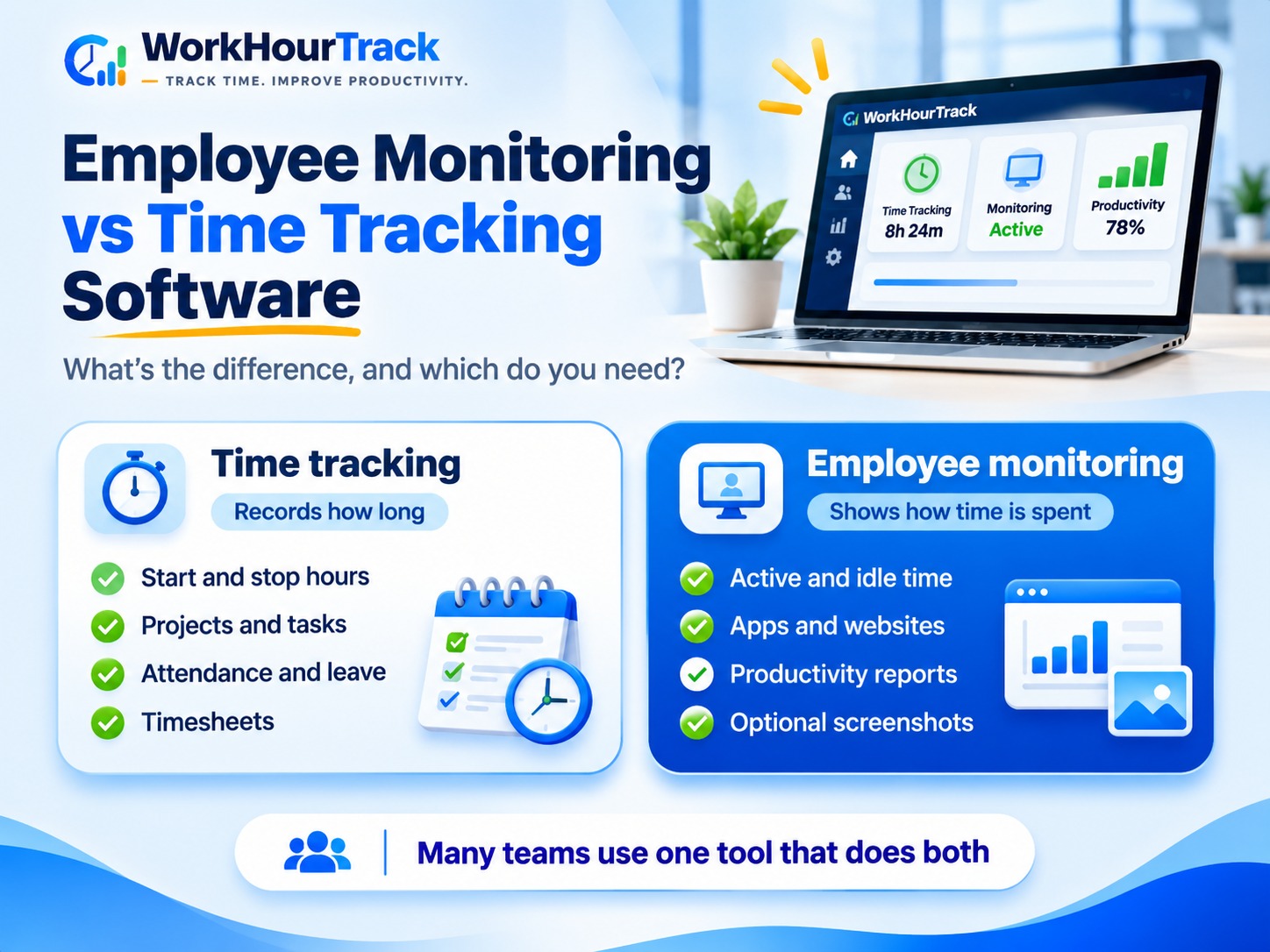
Time tracking software for remote employees records when people start and stop work, how long they are active, and what they work on, so managers can run a team they cannot see in an office. There is no single tool that is best for every team, so this guide shows what to look for, the main types of tools, which kind of team each suits, what it costs, and how to choose. WorkHourTrack is our own product, so we list it with its limits and judge it on the same points as the others. For the wider picture, see our overview of employee monitoring software in India.
What to look for in time tracking software for remote employees
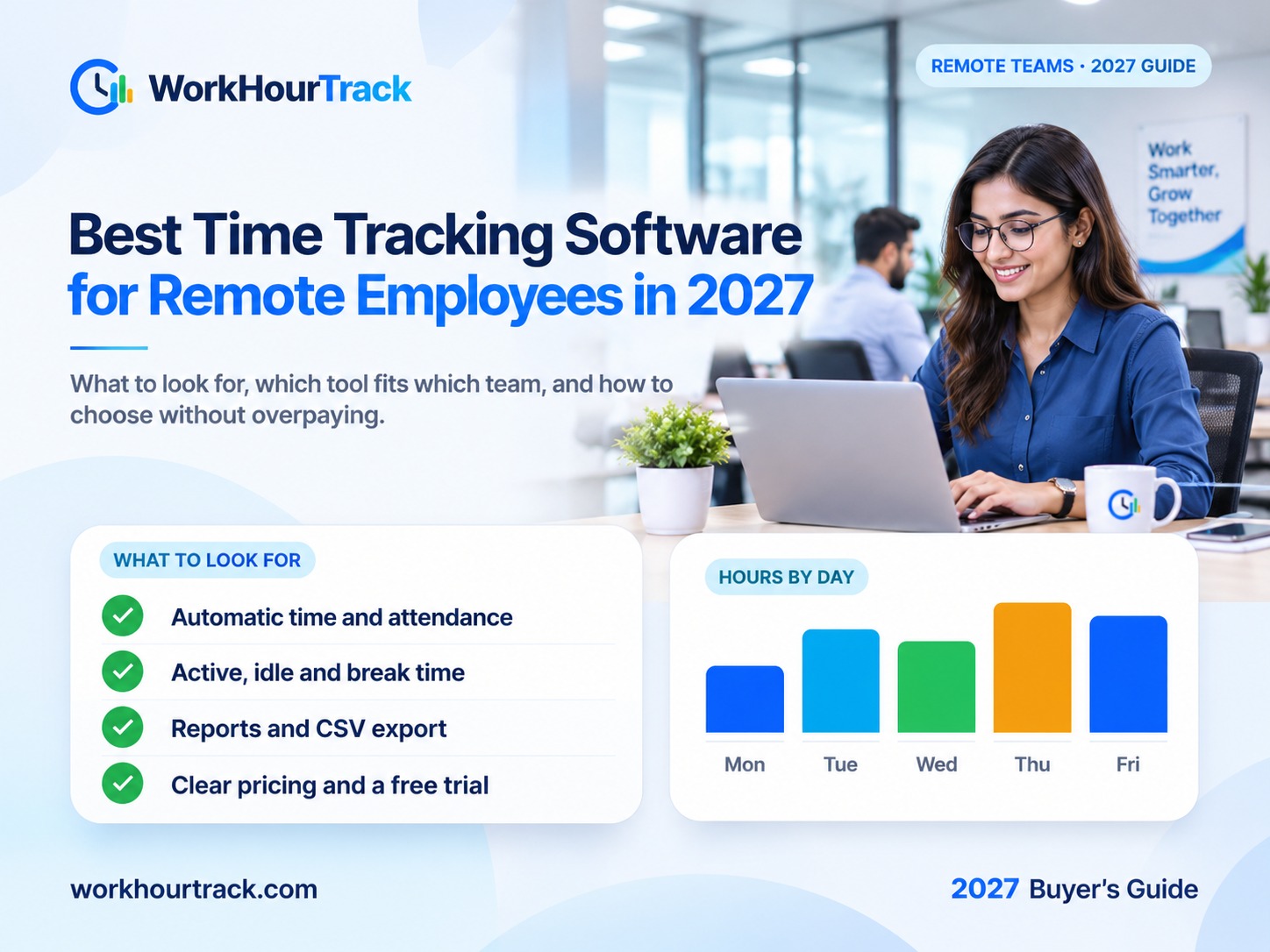
- Automatic start and stop, so hours are recorded without anyone remembering to press a button.
- Attendance and live status, so you can see who is working, idle or offline across time zones.
- Active, idle and break time, read fairly. See our guide to active time vs idle time.
- Project or task tracking, if you bill clients or cost projects.
- Reports and export, with daily and weekly views and CSV export for payroll.
- Support for your devices, such as Windows and Mac. See Windows and Mac employee monitoring software.
- Transparency, including an employee notice, a visible app and clear limits on what is collected.
- Clear pricing and a free trial, so you can test before you commit.
Three types of time tracking tools
- Simple timesheet trackers. Employees start a timer or enter hours. They suit freelancers and teams that run on trust. Clockify and Toggl Track are often listed here.
- Automatic trackers with activity data. These add idle time, app and website usage and sometimes screenshots, for managers who need visibility. One comparison of three well-known tools describes them as leaning on flexibility, operational control and oversight.
- Attendance-first tools. Clock-in and clock-out, sometimes with location features, often with generous free plans. Jibble is one example.
Review sites and vendors rank these tools differently, so choose by what your team needs, not by a "number one" label.
Best time tracking software for remote employees: which tool fits which team
These are "best for" labels, not a ranking. Check each vendor's current plans before you decide.
- WorkHourTrack (our product): best for teams on Windows and Mac computers that want attendance, active and idle time, app and website tracking and screenshots in one dashboard, priced per user in rupees. It is built around desktop computers, so check it against your devices.
- Clockify and Toggl Track: best for simple timesheets and small teams that want a free or low-cost start.
- Hubstaff and Time Doctor: best for teams that want more activity monitoring and are comfortable with a higher price. Hubstaff is also known for location-based features.
- Jibble: best for attendance-focused teams that want a free plan.
What time tracking software for remote employees costs
Entry paid plans in 2026 comparisons run from about $4 to $9 per user per month, and many tools also offer free plans with limits on users or features. Global tools often price in US dollars, so convert at the current exchange rate.
In India, remember GST. SaaS subscriptions are generally charged 18% GST, so check whether a quoted price includes it. For a longer breakdown, read our guide to employee monitoring software pricing in India.
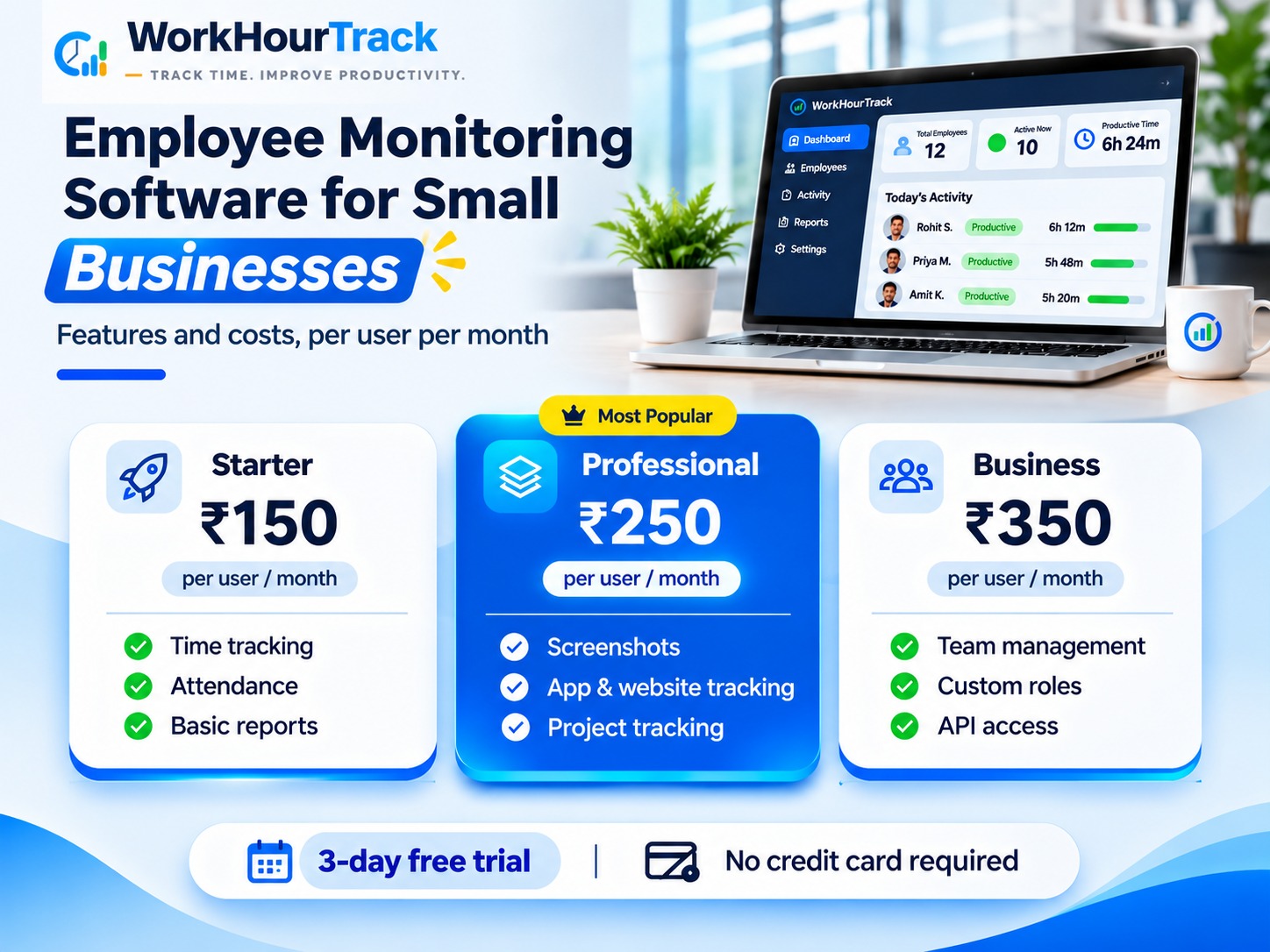
As an example, at Work Hour Track's Small Teams price of ₹150 per user per month (for teams of up to 10 users, at the time of writing), 8 remote employees cost ₹1,200 a month, or ₹14,400 a year, before GST. See the current plans in the pricing section.
Challenges that are special to remote teams
- Time zones: choose a tool that shows each person's day clearly and reports by date.
- Trust: tell your team what is tracked and why. Our guide on whether employee monitoring is legal in India covers the basics.
- Home devices: track work devices and work apps only, not personal accounts.
- Working hours and overtime: keep clear records. See employee attendance and time tracking.
- Fair reading of data: judge output and trends, not a single quiet hour.
How to choose in five steps
- List your must-haves, such as attendance, idle time, projects or exports.
- Check your devices and operating systems.
- Shortlist two or three tools and compare real prices, including GST.
- Run a one- or two-week trial with a small remote group.
- Ask your team for feedback and choose the tool they find fair and easy.
How WorkHourTrack supports remote teams
- Attendance and live status: check-in, check-out and who is active, idle or offline, plus leave.
- Automatic time tracking: work hours with active and idle time, tracked in the background.
- Apps and websites: see which apps and sites are used, and choose which count as non-productive. See how to track employee app and website usage.
- Screenshots: taken on a schedule you set.
- Reports: daily and weekly reports, overtime and CSV export.
- Transparency: each employee accepts a notice before tracking starts, the desktop app shows when it is running, and only counts of key presses and clicks are kept.
- Platforms: Windows and macOS computers.
See the full feature list and the homepage FAQ. You can start with a 3-day free trial, no credit card required.
Frequently asked questions
What is the best time tracking software for remote employees?
It depends on your team. Simple time sheet tools suit trust-based teams, automatic trackers suit managers who need visibility, and attendance-first tools suit clock-in workflows. Compare features, devices, price and transparency, and test with a free trial.
Do remote employees need screenshots tracked?
Not always. Screenshots can help with quality and security checks, but they are optional. If you use them, tell employees, set a schedule and limit who can see them.
Is there free time tracking software for remote teams?
Some tools offer free plans, usually with limits on users or features. Work Hour Track offers a 3-day free trial with no credit card required, so you can test the full product first.
Is it legal to track remote employees' time in India?
It is generally lawful when it is work-related, limited to what you need and transparent to employees. Take legal advice for your situation.