How to Track Work Hours Automatically Without Manual Timesheets
Learn how to track work hours automatically without manual timesheets: how automatic tracking works, what to set up, and how to keep it accurate and fair.
6 min read
- Automatic Time Tracking
- Work Hours
- Timesheets
- Attendance
- Payroll
- Employee Monitoring
- How-To
- Remote Teams
On this page
To track work hours automatically, you use software that runs in the background on each work computer, records when work starts, pauses and stops, and builds the timesheet for you. Nobody has to remember to fill in a form at the end of the week, and managers get hours they can check against reports. This guide explains why manual timesheets go wrong, how automatic tracking works, how to set it up step by step, and how to keep the numbers accurate and fair. For the wider picture, see our overview of employee monitoring software in India.
Why manual timesheets go wrong
Manual timesheets depend on people remembering what they did, often days later.
- Forgotten entries. Hours are guessed on Friday for the whole week.
- Rounding and padding. People round up, or round to the same figure every day.
- Time lost to admin. Filling in and approving timesheets takes time from everyone.
- Disputes. When hours are estimated, payroll and billing queries are harder to settle.
- No context. A number on a form does not show when or how the time was worked.
How automatic work hour tracking works
Automatic tracking software is installed on the work computer and runs in the background. It notices when someone starts working, records time while there is activity and marks time as idle or as a break when there is none. At the end of the day, the hours are already in a report.
- Start and stop are detected, so nobody has to press a timer.
- Idle time is separated. If there is no keyboard or mouse activity beyond a set limit, the time is counted as idle. Many tools use a default of around five minutes and let admins change it.
- Breaks are recorded separately from working time.
- Reports build themselves, by person, team and date range.
For more on how activity is measured, read active time vs idle time.
How to track work hours automatically step by step
- Decide what you need. Payroll, attendance, client billing or all three.
- Choose a tool that supports your computers, such as Windows and Mac. See our guide to Windows and Mac employee monitoring software.
- Write down your work hours policy. State the expected daily or weekly hours, breaks and how leave is handled.
- Tell employees first. Explain what is recorded, why, and who can see it.
- Install the app on work computers and let each employee accept the notice.
- Set the rules. Choose the expected hours, the idle limit and which apps count as non-productive.
- Run a trial week with one team and compare the results with what you already know.
- Review weekly reports, then turn them into payroll or attendance records.
What to set up before you start
- Expected working hours for each role or team
- An idle limit that suits the work. Roles with long meetings or reading may need a longer limit.
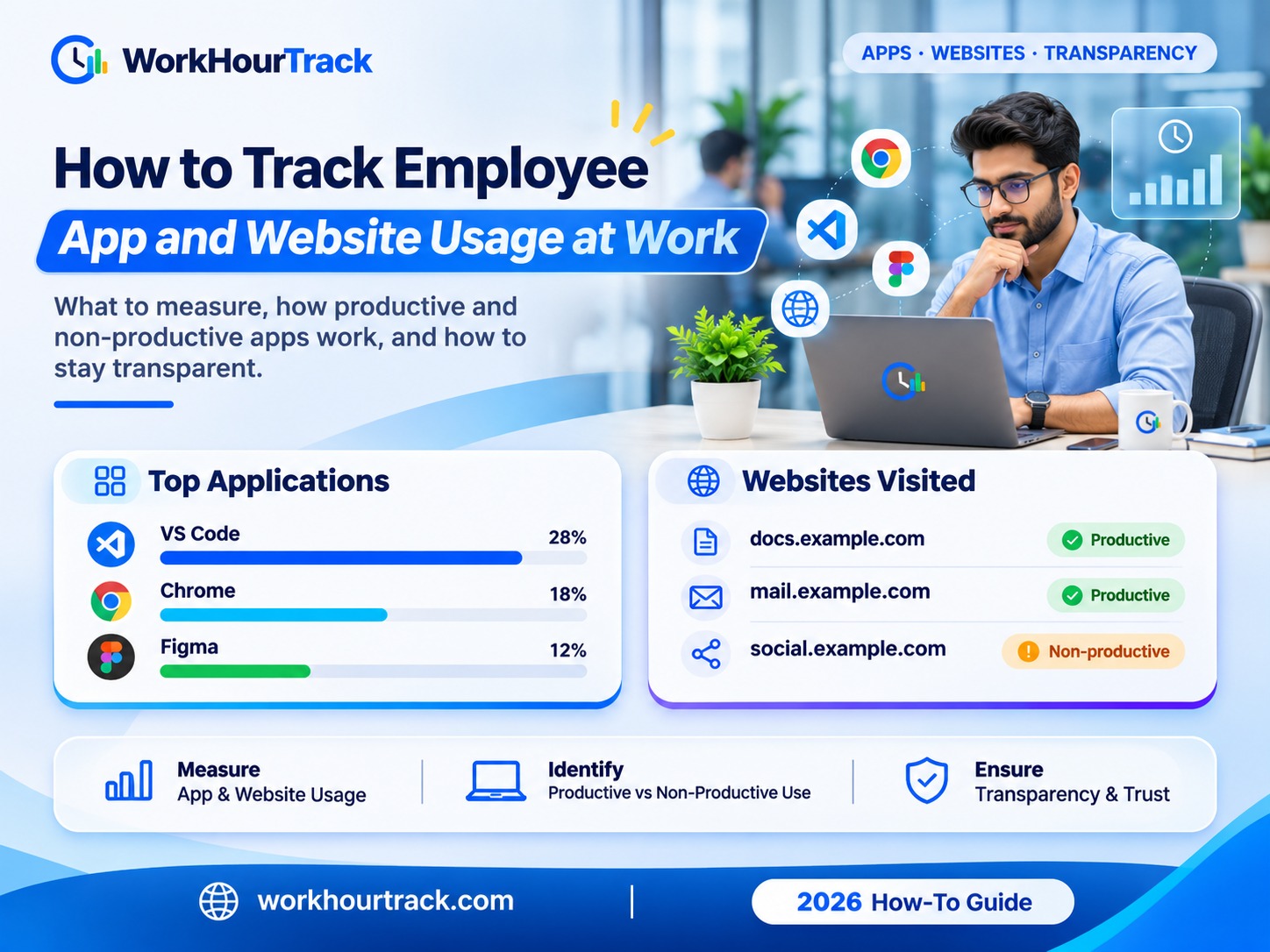
- App categories. Mark clearly non-work apps and sites as non-productive, and keep a neutral category for the rest.
- Who can see reports, and for which teams
- Leave and holidays, so absences do not look like missing hours
Keep automatic hours accurate and fair
Automatic tracking is more consistent than memory, but it still needs sensible rules.
- Do not treat every idle gap as lost time. Meetings, calls and thinking happen without typing.
- Agree how offline work is handled, such as site visits, client calls or work away from the computer.
- Look at weekly trends, not one short day.
- Let employees see their own hours, so mistakes are found early.
- Combine hours with output, such as tasks completed or tickets closed.
- Decide how corrections work before you need them, and keep a record of any changes.
Using automatic hours for payroll and attendance
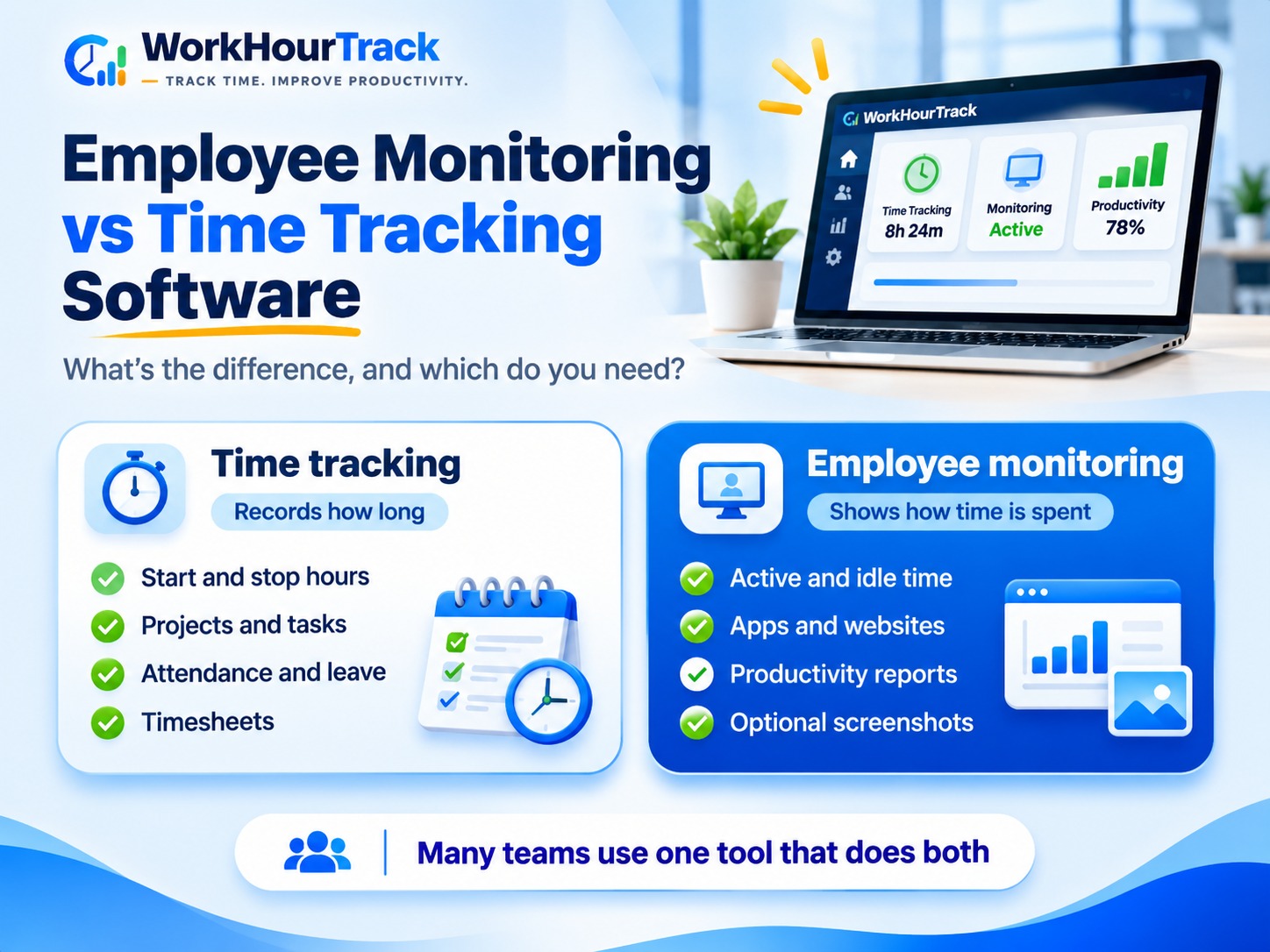
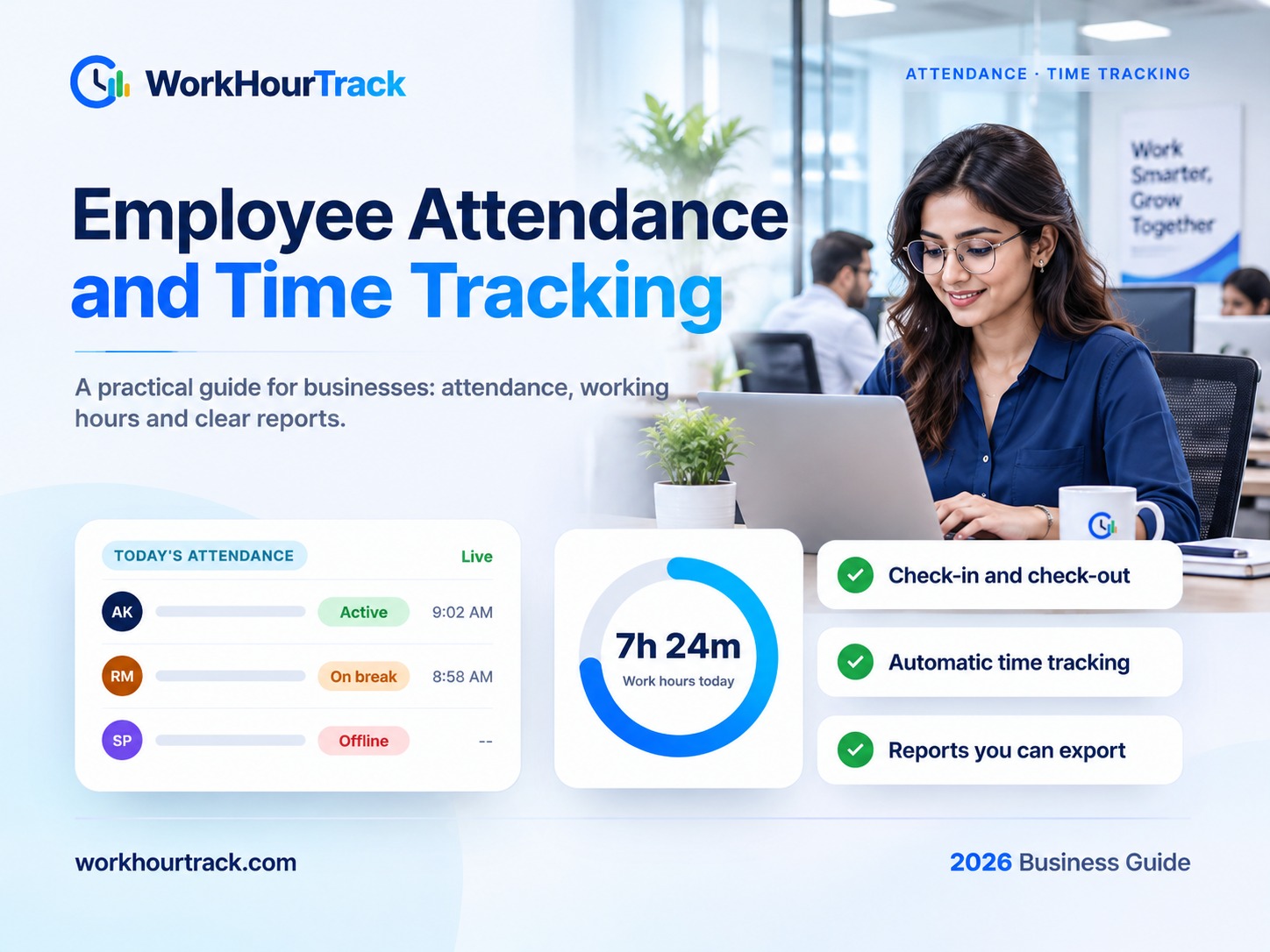
Hours recorded automatically are easiest to use when reports can be exported. Download the report for the pay period as a CSV file, compare it with attendance and leave records, and settle any queries before payroll runs. Our guide to employee attendance and time tracking explains how attendance and hours fit together. If you are comparing types of software, read employee monitoring vs time tracking software.
Privacy and transparency
Automatic tracking records data about employees, so be open about it. The UK data protection regulator's guidance for employers says monitoring must be necessary, proportionate and open to workers. It is UK guidance, not Indian law, but it is a useful benchmark.
In India, the Digital Personal Data Protection Act, 2023 applies to employee data. Read our guide on whether employee monitoring is legal in India for the basics.
Common mistakes to avoid
- Switching on tracking without telling employees
- Treating all idle time as non-work
- Using one idle limit for every role
- Not agreeing how offline work is recorded
- Using hours alone to judge performance
- Collecting more data than you need
How WorkHourTrack tracks work hours automatically
WorkHourTrack tracks work hours automatically in the background and separates working, idle and break time, so there are no manual timesheets to fill in.
- Daily timeline: each employee's day is shown with working, idle and break periods.
- Live status: the dashboard shows who is active, idle or offline.
- Reports: daily and weekly reports compare each employee against the mandatory hours, with CSV export.
- Attendance and leave: check-ins, holidays and leave requests in one place.
- Transparency: each employee accepts a notice before tracking starts, the desktop app shows when it is running, and only counts of key presses and mouse clicks are kept, never which keys were pressed.
- Pricing: plans start at ₹150 per user per month, with a 3-day free trial and no credit card required.
See the full feature list, the homepage FAQ and the pricing section.
Frequently asked questions
How do I track work hours automatically?
Install time tracking software on work computers. It runs in the background, records working, idle and break time, and builds timesheets and reports without anyone filling in a form.
Is automatic time tracking more accurate than manual timesheets?
Usually, because it records time as it happens instead of relying on memory. It still needs sensible settings, such as the idle limit, and a clear way to handle work done away from the computer.
Does automatic time tracking record what employees type?
It should not. Choose a tool that keeps only counts of key presses and mouse clicks, never which keys were pressed. WorkHourTrack works this way.
Can automatic hours be used for payroll?
Yes, if you export the report for the pay period, check it against attendance and leave, and settle any queries before payroll runs. Take advice on your own payroll and labour rules.