Best Workforce Management Software for Growing Businesses
Best workforce management software for growing businesses: what to look for, a checklist by growth stage, and how to avoid paying for unused features.
8 min read
- Workforce Management
- Growing Businesses
- Buyer's Guide
- Attendance
- Time Tracking
- Leave Management
- Productivity
- Pricing
On this page
The best workforce management software for growing businesses is the tool that covers what you need today, such as hours, attendance and leave, and can add more as your team grows, without making you pay for a full HR suite on day one. Workforce management is a broad term, so the right choice depends on your size, how your people work and which problems cost you the most time. This guide explains what workforce management software does, what to look for at each stage of growth, how to compare options and what it costs. For a closer look at one part of it, see our guide to employee attendance and time tracking.
What is workforce management software?
Workforce management software helps a business plan, record and understand how its people spend their working time. Depending on the product, that can include:
- Time and attendance: hours worked, check-ins, late arrivals and overtime
- Leave and holidays: requests, approvals and balances
- Scheduling and shifts: who works when, and where
- Productivity reporting: how time is spent across work, apps and projects
- Payroll inputs or payroll itself: hours and leave passed to salary processing
- HR records: employee details, documents and onboarding
Few growing businesses need all of these at once. Some products cover the whole list, and others focus on a few parts and connect to your existing payroll and HR tools.
What makes the best workforce management software for growing businesses
A growing business changes quickly, so the best choice is flexible as well as capable.
- It solves today's biggest problem first, such as inaccurate hours or untracked leave.
- It grows with you, through plans or features you can switch on later.
- It is easy for managers and employees to use, so the team actually uses it.
- It works with your payroll, through exports or integrations.
- Pricing is clear, and you can predict the cost as headcount grows.
- It is open about data, so employees know what is collected and why.
Suite or focused tool?
| All-in-one suite | Focused tool | |
|---|---|---|
| Covers | Scheduling, payroll, HR and more | A few areas, such as hours, attendance and reports |
| Setup | Longer, with more to configure | Quicker |
| Cost | Usually higher per person | Usually lower |
| Best for | Businesses that want one system for everything | Businesses that want to fix one or two problems well |
| Risk | Paying for features you never use | Needing another tool later |
Many growing businesses start with a focused tool, export hours to payroll, and add a suite later if they need one.
What to look for at each stage of growth
Small teams (about 5 to 20 people)
- Automatic hours and attendance, so nobody fills in timesheets. See how to track work hours automatically.
- Simple leave and holiday tracking
- A few basic reports and CSV export for payroll
- Low cost per person and a free trial
Growing teams (about 20 to 100 people)
- Project and task time, if you bill clients or cost projects
- Team-level reports, so managers can see their own people
- Roles and access, so each manager sees only their team
- App and website categories, if you need to see where time goes. See how to track employee app and website usage.
- Support for every computer you use. See our guide to Windows and Mac employee monitoring software.
Scaling teams (100 or more people)
- Integrations or an API to connect payroll, HR and other systems
- Detailed permissions and custom roles
- Priority support and clear security and data terms
- Reporting that works across departments and locations
A simple checklist
- Hours and attendance recorded accurately and automatically
- Leave and holiday tracking
- Reports by person, team and date range, with export
- Project or task time, if it matters to your business
- Roles and access for managers and admins
- Support for your computers and any mobile needs
- Payroll fit, meaning export or integration
- Transparency tools, such as a consent notice and a visible app
- Clear pricing for your headcount today and next year
- A free trial and responsive support
How to compare options
- List your top three problems, such as late timesheets, leave confusion or unbilled hours.
- Mark each checklist item as must-have, nice-to-have or not needed.
- Shortlist two or three tools that cover your must-haves.
- Work out the real monthly cost for your team size, including taxes.
- Run a trial with one team and compare the reports with what you already know.
- Ask your managers what they would actually use.
- Choose the tool that solves your top problems at the lowest data and cost.
What it costs as you grow
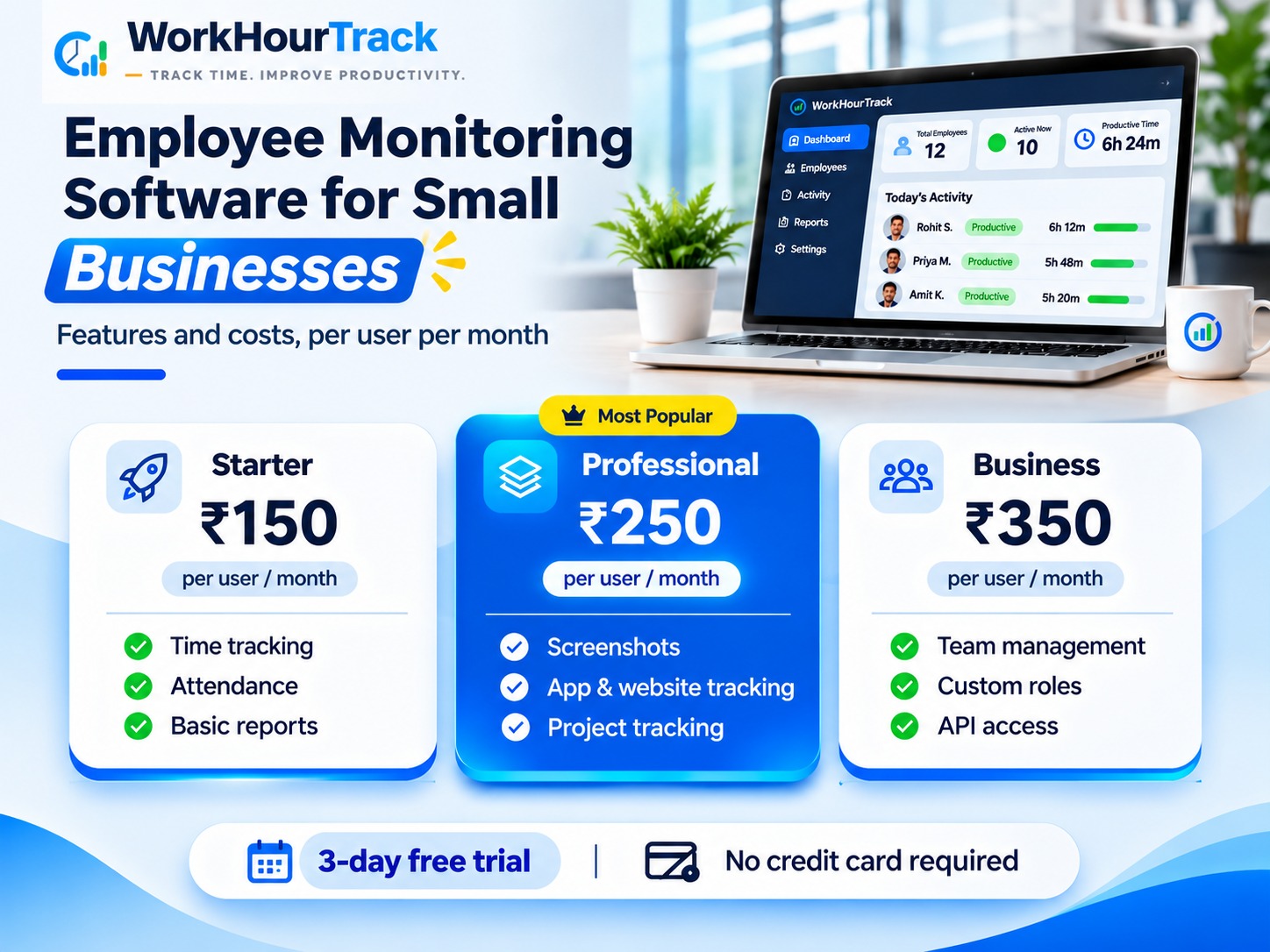
Most tools charge per user per month. For WorkHourTrack, the published plans are ₹150, ₹250 and ₹350 per user per month, so the cost grows in a straight line with headcount.
| Team size | Starter (₹150) | Professional (₹250) | Business (₹350) |
|---|---|---|---|
| 10 people | ₹1,500 | ₹2,500 | ₹3,500 |
| 25 people | ₹3,750 | ₹6,250 | ₹8,750 |
| 50 people | ₹7,500 | ₹12,500 | ₹17,500 |
| 100 people | ₹15,000 | ₹25,000 | ₹35,000 |
These are monthly figures before any taxes. Check the pricing section for current prices. For more on costs, read our guide to employee monitoring software for small businesses.
Time tracking or monitoring: which part do you need?
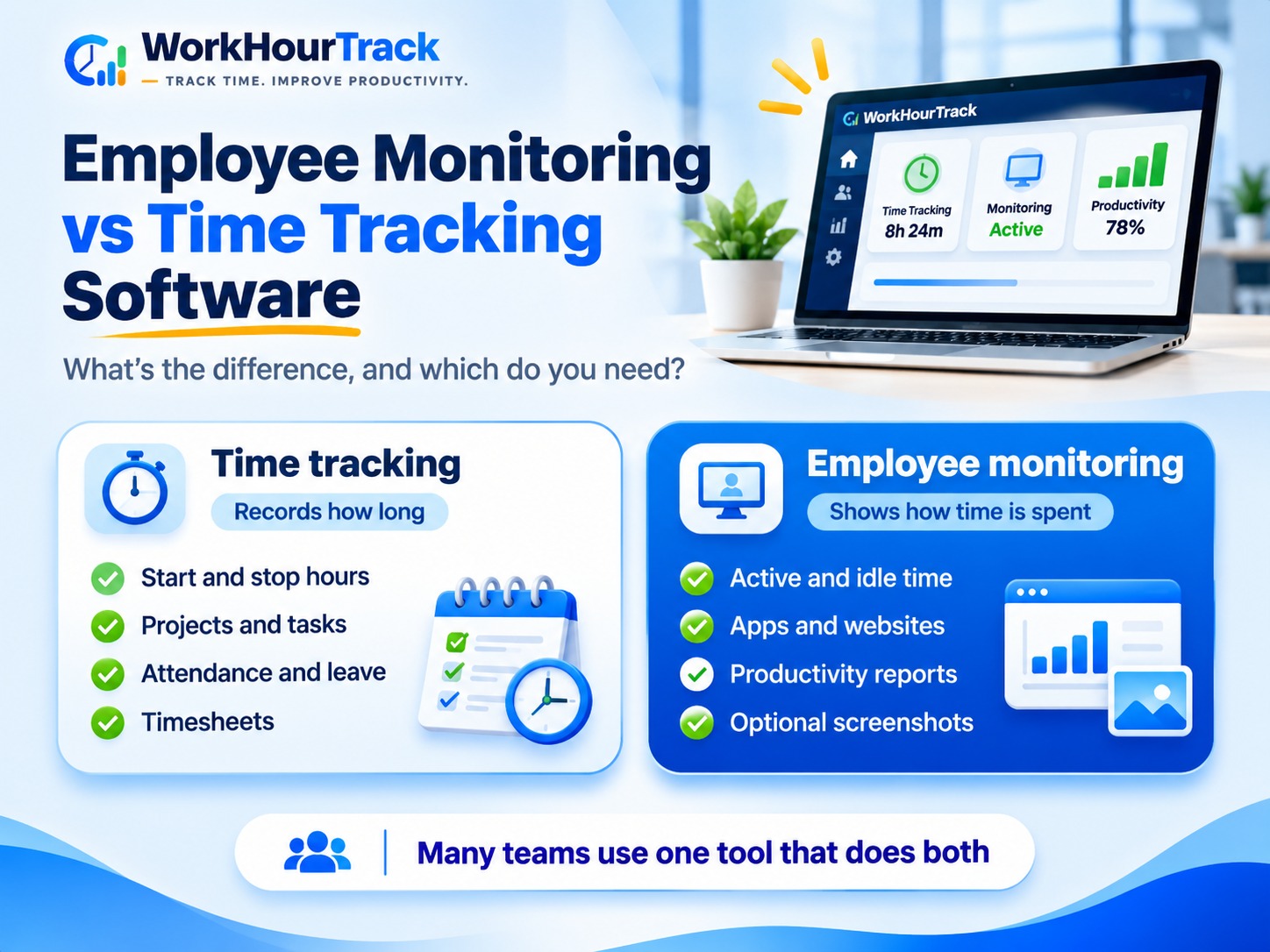
Workforce management often includes both hours and activity data. If you are unsure how much activity data you need, read employee monitoring vs time tracking software. Start with the least data that solves your problem.
Privacy and transparency
Workforce data is employee data. The UK data protection regulator's guidance for employers says monitoring must be necessary, proportionate and open to workers. It is UK guidance, not Indian law, but it is a useful benchmark.
In India, the Digital Personal Data Protection Act, 2023 applies to employee data. Read our guide on whether employee monitoring is legal in India for the basics.
Common mistakes growing businesses make
- Buying a full suite before knowing which problems matter
- Choosing the cheapest tool without checking how it will scale
- Forgetting how hours will reach payroll
- Not asking managers what they need
- Rolling out without telling employees what is recorded
- Ignoring the computers and devices the team really uses
Where WorkHourTrack fits
WorkHourTrack is a focused tool for hours, attendance and productivity. It is not a payroll or scheduling suite, and it passes hours to payroll through CSV export.
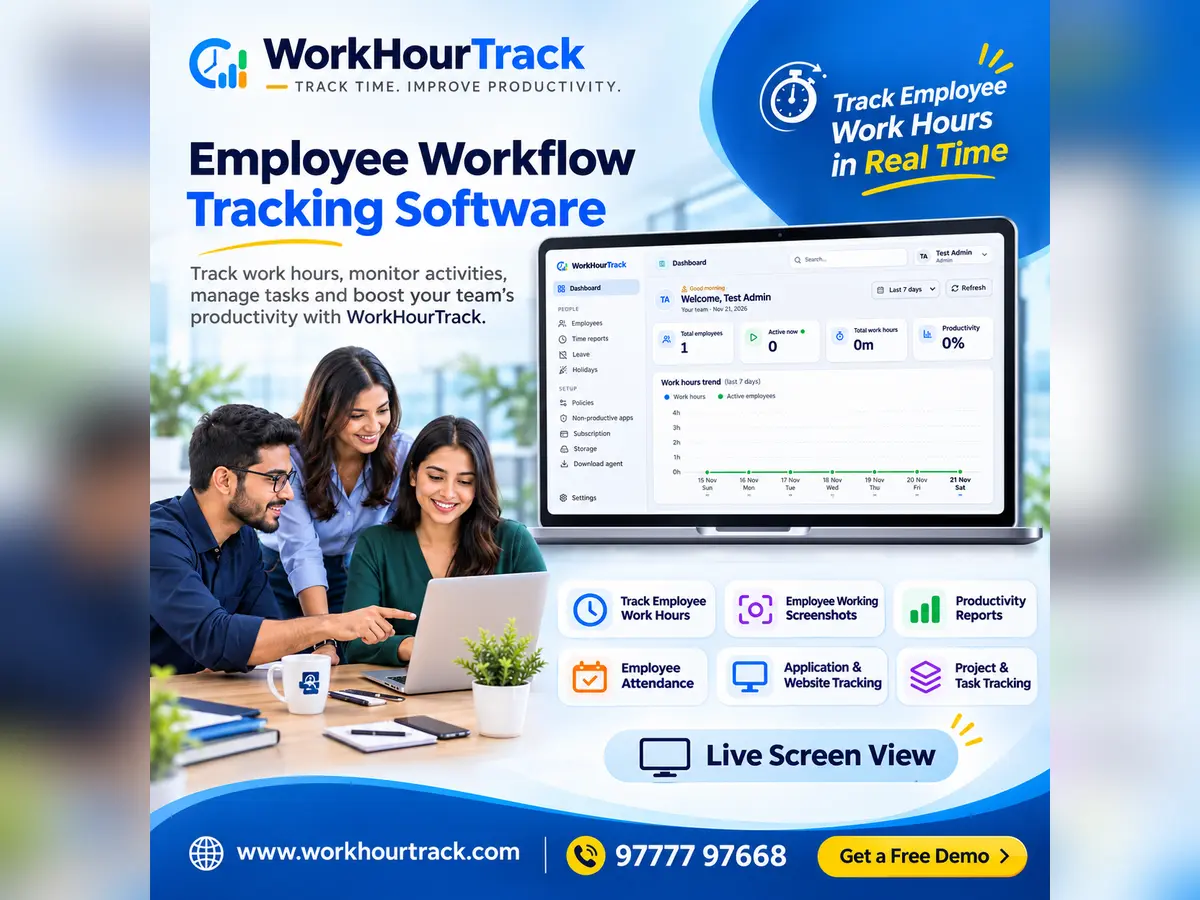
- Automatic hours: work hours tracked in the background, with working, idle and break time separated.
- Attendance and leave: check-ins, holidays and leave requests, with live online and offline status.
- Reports: daily and weekly reports for each employee, compared with mandatory hours, with CSV export.
- Plans that grow with you: Starter for time tracking, attendance and basic reports; Professional adds screenshots, app and website tracking and project tracking; Business adds team management, custom roles and permissions, API access and priority support.
- Transparency: each employee accepts a notice before tracking starts, and only counts of key presses and mouse clicks are kept, never which keys were pressed.
- Trial: 3 days free, no credit card required.
See the full feature list and the homepage FAQ. If you need scheduling, payroll or full HR records in the same system, compare those needs against your checklist before you decide.
Frequently asked questions
What is the best workforce management software for growing businesses?
There is no single best option. The best one covers your biggest problems today, such as hours, attendance and leave, works with your payroll and can add features as you grow. Shortlist two or three tools and run a trial.
What is the difference between workforce management and time tracking software?
Time tracking software records hours and projects. Workforce management is broader and can include attendance, leave, scheduling, productivity reporting, payroll inputs and HR records.
When should a growing business move to a bigger system?
When you regularly need things your current tool does not do, such as scheduling, integrations or detailed permissions, and the time you lose working around it costs more than the new system.
How much does workforce management software cost?
Many tools charge per user per month. WorkHourTrack plans run from ₹150 to ₹350 per user per month, so a team of 25 pays between ₹3,750 and ₹8,750 a month before taxes.